

Exploring Typical Bar LCD Panel Faults and How to Resolve Them
 2025-11-27
  11:50
11:50 

Figuring Out Bar LCD Screens and Their Applications
What Is a Bar LCD Screen and Where Do You See Them?
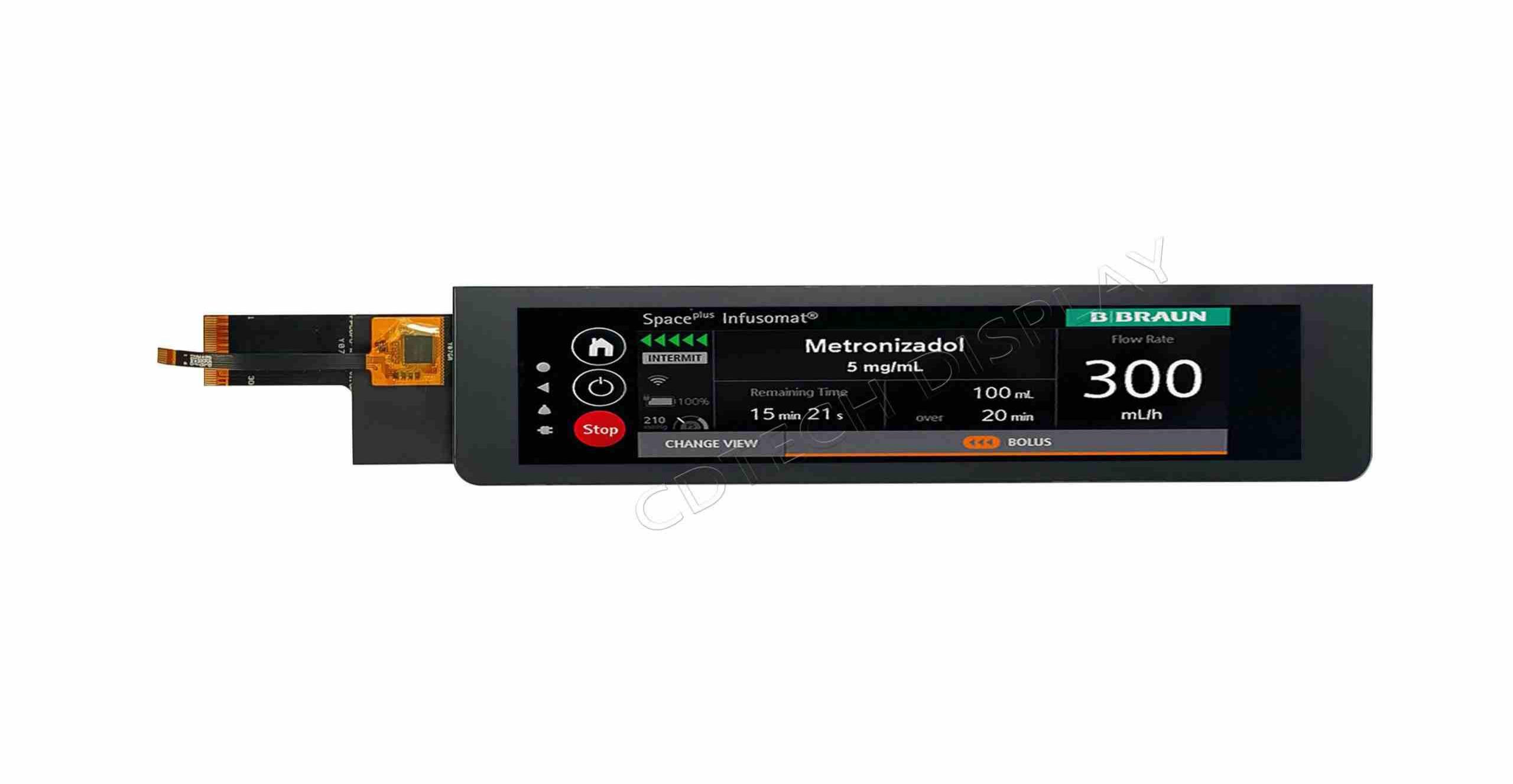
A bar LCD screen, also called bar type LCD display or bar LCD panel, is a super-wide screen made for spots where you’ve got more room side-to-side than up-and-down. Regular screens are square-ish, these are long and skinny.
You spot them everywhere: train stations, airports showing timetables, factory dashboards, bus stops, supermarket shelves, or anywhere a long strip fits better than a normal screen.
The big win is they squeeze a ton of info into tight or weird spaces without looking cramped or losing clear picture.
How Bar LCD Screens Are Different from Normal Ones
The main thing you notice is the shape. Normal screens are 16:9 or 4:3. Bar type LCD displays can be 16:3, 28:9, even 32:9—built for super-wide info.
That shape changes how you design menus and graphics—everything flows left to right.
They solve jobs regular screens can’t, like price tags on store shelves or live timelines in control rooms. Downside? You sometimes need custom cases, fight uneven backlight on the long stretch, and tweak software for the odd resolution.
Typical Problems You Run Into
What Breaks Most on Bar LCD Panels?
Same stuff as regular screens, just sometimes worse because of the length:
-
Dead pixels or whole lines from bumps or factory flaws.
-
Flicker from bad cables or power jumps.
-
Uneven bright spots or dark edges—extra obvious on wide panels.
Why You Get Ghosting or Burn-In on Bar Screens?
Leave the same picture up too long and faint shadows stick around. Happens faster on high brightness or hot days. The super-wide layout makes those shadows jump out more.
Fix it by switching content often, drop brightness a bit, or let a screensaver kick in when idle.
Why the Screen Stays Black or Won’t Start?
Usual suspects:
-
No power, blown fuse, loose plug.
-
Dead mainboard or T-CON board.
-
Firmware crash.
Start simple—check the cord, then dig deeper.
How to Track Down and Fix Problems
Steps to Find What’s Wrong
-
Look it over for cracks or loose wires.
-
Measure voltage at the power input.
-
Plug in a test signal or pattern generator.
-
Swap boards if you can get spares.
-
Check firmware and logs.
Fixing Dead Pixels or Lines
Try gentle pixel massage apps or light pressure. Reseat ribbon cables. If lines stay, the panel itself is usually toast—time for a new one.
Stopping Flicker or Weird Colors
Check every cable for pinches. Swap old cables. Match refresh rate to the source. Update firmware if there is one.
Backlight Dead or Dim
Test LED strips and inverter with a meter. Replace the bad strip or whole backlight unit.
Keep It Running Longer
-
Give it breathing room so it doesn’t cook.
-
Keep direct sun off unless it’s a sunlight-readable model.
-
Rotate content and use screensavers.
-
Clean only with microfiber and distilled water.
-
Stay on top of firmware updates.
Meet CDTech – Solid Bar LCD Solutions
Who Is CDTech and What Sets Their Screens Apart?
Shenzhen CDTech Electronics started in 2011, national high-tech company focused on TFT LCDs, touch screens, HDMI displays and more. We’ve got our own R&D crew and tight quality checks.
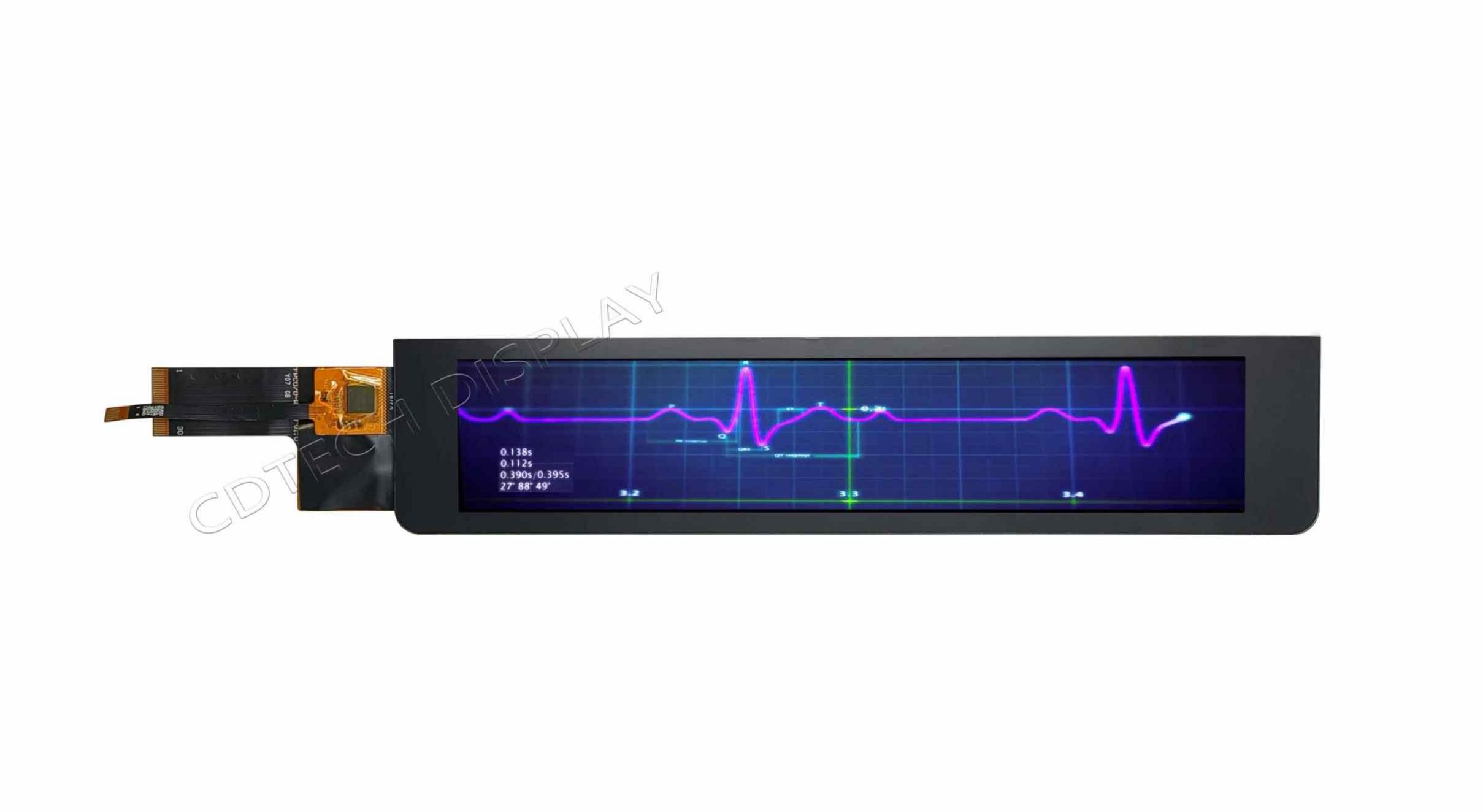
We make bar type lcd displays that are bright, sharp, wide-angle, and tough enough for factories. Sizes run 1.5″ to 15.6″ industrial-grade panels built for long life, crazy temps, glove touch, waterproof, anti-shatter, anti-UV—you name it.
Need custom backlight, weird FPC shape, special touch, or anti-glare coating? We do it all for transportation, medical, smart home, car dashboards, and factory controls.
How CDTech Tackles the Usual Headaches
Built Tough for Rough Spots
Our bar lcd screens take vibration, freezing cold, burning heat, even glove touch and waterproof when the job calls for it.
Easy to Read Anywhere
High brightness, killer contrast, long backlight life—perfect for bright stores or outdoor signs where you need crisp text day or night.
FAQ
Q: Why is my bar LCD screen showing vertical lines?
A: Vertical lines often indicate a problem with the internal ribbon cable connection, T-CON board failure, or panel damage. Re-seating cables or replacing faulty components may resolve this.
Q: Can I use a regular cleaning solution on my bar LCD screen?
A: No. It’s best to use a microfiber cloth slightly dampened with distilled water or a screen-safe cleaner. Avoid alcohol-based solutions which can damage the coating.
Q: What should I do if my bar LCD panel doesn’t turn on at all?
A: Check the power source first. Then inspect cables, fuses, and internal boards like the power supply unit (PSU) or T-CON board. If all else fails, consult a technician for deeper diagnostics.
Q: How long does it take for the afterimage of a bar LCD screen to disappear?
A: If it’s temporary afterimage, it usually fades in 1.3 hours after switching content; if it’s permanent burn-in, it can’t be eliminated and the panel needs to be replaced
Q: Is it more cost-effective to repair or replace a faulty industrial bar LCD panel?
A: For minor issues (loose cables, firmware crashes), repair costs 30%-50% less than
replacement; for panel damage (dead lines, burn-in), replacement is more
cost-effective in the long run
Post Search
Related Articles
-

Capacitive vs Resistive Touch Screen Car Stereo: Which Is Right for You?
-

TN LCD vs IPS LCD: How to Choose the Right Display for You
-

Capacitive Touch Panel or Resistive: Which Suits Your Needs?
-

Why Choose an IPS LCD Panel for Your Next Screen Purchase?
-

CDTECH to Showcase Cutting-Edge Display Solutions at SID 2025
-

Comparing Different Types of Displays in Cars: A Detailed Overview