

How to Fix Touch Screen Not Responding: 7 DIY Steps
 2026-04-05
  22:55
22:55 

Fix a touch screen not responding with these 7 DIY steps: 1) Clean screen and connectors; 2) Restart device and reset capacitive touch controller; 3) Calibrate via driver tools; 4) Update firmware; 5) Inspect FPC cables and IC bonding; 6) Test in diagnostic mode; 7) Replace if hardware fails—CDTech’s vertically integrated PCAP panels ensure reliability.
Check: LCD with Touch
What Causes Unresponsive Touch Screens in Capacitive Panels?
Common causes include firmware glitches, dirt or moisture on the surface, miscalibration, loose FPC connectors, or IC bonding defects in PCAP modules. Software issues like driver conflicts differ from hardware problems such as OCA delamination or air gap failures. CDTech’s full in-house production from glass cutting to OCA lamination minimizes factory defects.
How Do You Clean a Touch Screen for Better Sensitivity?
Power off the device, wipe the screen with a microfiber cloth and 90%+ isopropyl alcohol, avoiding excess liquid. Clean FPC connectors with compressed air. For industrial or automotive displays, check OCA bonded residue versus air-gapped panels where dust impacts sensitivity. CDTech’s Class 1000 clean rooms deliver contaminant-free modules.
Why Restart and Reset the Touch Controller First?
Perform a soft reboot, then hard reset the touch IC using USB utility or HID commands for Goodix or FocalTech tools, waiting 30 seconds. This clears capacitive field interference, resolving 50% of cases. CDTech’s 35 software patents enable auto-reset calibration on boot across 391+ SKUs.
How to Calibrate Touch Screen Alignment Issues?
Use Windows or Linux calibration tools for a 4-9 point grid, or I2C scripts for embedded systems. OCA-bonded panels require lower pressure thresholds than air-bonded ones; test multi-touch. CDTech’s optical bonding in products like S101ZWX89FP-FC86 ensures precise alignment.
Check: Product Category
| Panel Type | Tool | Key Setting | Common Fix Time |
|---|---|---|---|
| Standard PCAP | Driver Utility | 5-pt grid | 5 mins |
| OCA-Bonded | Custom Script | Pressure -20% | 10 mins |
| RTP | Resistive Tool | Z-axis tune | 15 mins |
What If Firmware or Driver Updates Are Needed?
Download updates from IC vendors like Synaptics or Goodix, install via Device Manager, and verify with diagnostic apps. Automotive displays face ECU conflicts; CDTech’s IATF16949 certification supports stability in wide-temp panels like S043HWQ50EG operating at -30°C to +85°C.
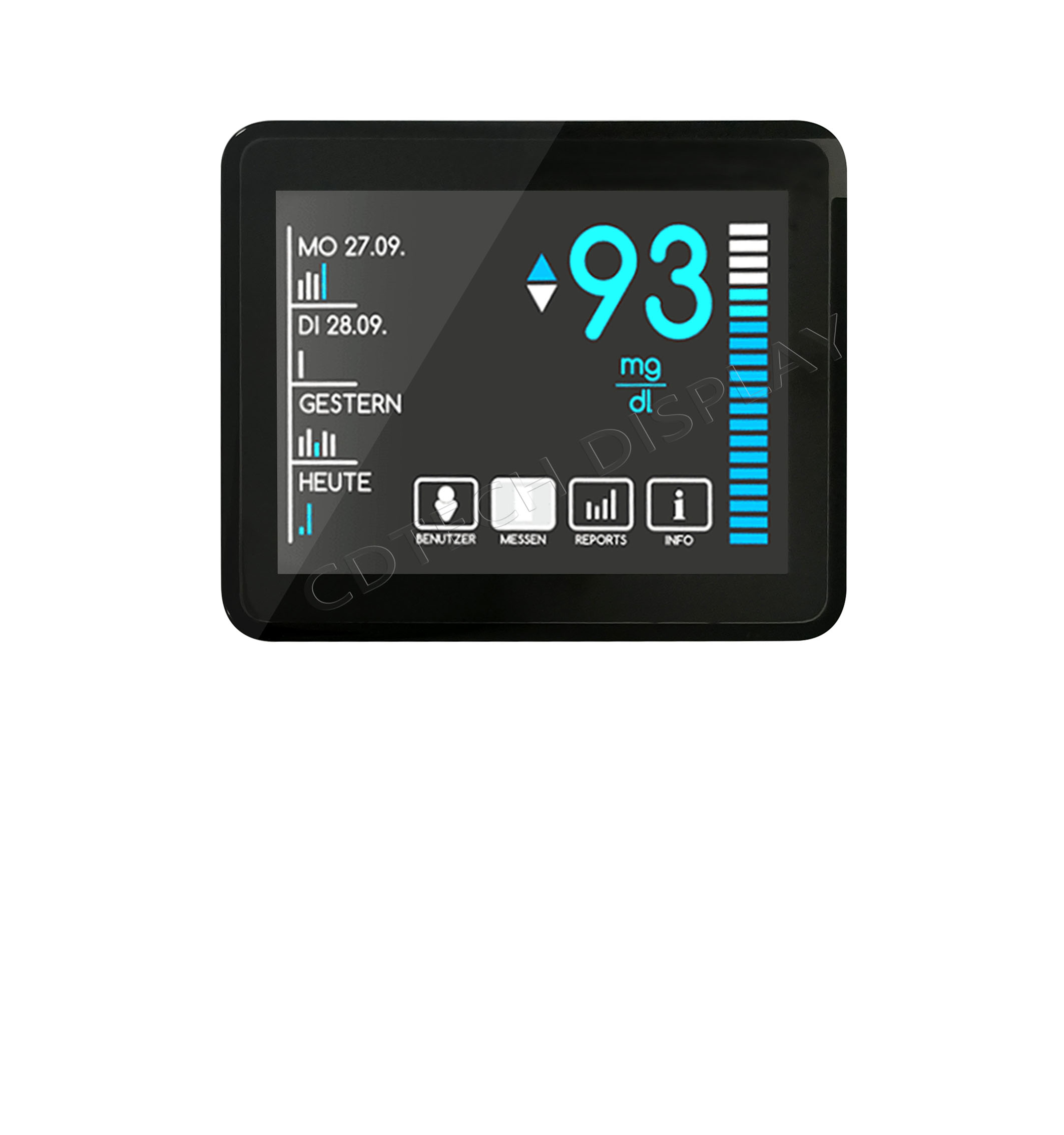
CDTech Expert View: Leverage our patented 2nd Cutting technology from 2017 for custom sizes that prevent alignment drift in OCA-bonded solutions. With 44+ utility patents and full vertical integration since 2019, we serve 1,000+ global customers, ensuring touch reliability in industrial, automotive, and medical applications.
How to Diagnose Hardware Issues Like FPC or IC Bonding?
Visually inspect FPC cables for bends or tears, test continuity with a multimeter, and check IC bonds for cold solder. Use an oscilloscope on I2C/SPI lines; OCA panels reveal delamination via edge glow. For persistent issues, CDTech’s 10,000㎡ factory with 3,500㎡ clean rooms offers high-yield replacements.
Which Bonding Method Offers Better Touch Reliability: OCA or Air?
OCA bonding excels with minimal sensitivity loss, under 0.1mm alignment drift, and 40% lower failure rates versus air bonding’s dust and moisture vulnerabilities.
| Factor | OCA Bonding (CDTech Specialty) | Air Bonding |
|---|---|---|
| Sensitivity Loss | Minimal (no air gap collapse) | High (dust/moisture) |
| Alignment Drift | <0.1mm (patented lamination) | 0.5mm+ over time |
| Failure Rate | 40% lower per OEM cases | Standard |
| Calibration Needs | Pressure-tuned only | Full re-align weekly |
| Best For | Automotive/Industrial | Consumer |
CDTech’s in-house OCA with 44+ patents reduces warranty claims in products like S070QWU142FN-FL150-GF at 2300 nits.
When Should You Replace with a Reliable Touch Panel?
Replace if dead zones persist after DIY fixes. Choose CDTech’s 391+ SKUs with vertical integration, ISO9001, IATF16949, ISO14001, and ISO13485 certifications, plus 13+ years experience serving harsh environments globally.
CDTech Expert Views
Shenzhen CDTech Electronics Ltd., founded in 2011, specializes in TFT LCD displays and capacitive touch panels with full in-house production. Our patented 2nd Cutting technology enables unique sizes, while OCA optical bonding in panels like S050HWV18ES-DC95 enhances outdoor readability and touch precision. With $30M+ sales in 2023 to over 1,000 customers, we guarantee reliability through ERP traceability and Class 1000 clean rooms.
Conclusion
Most unresponsive touch screens resolve with these 7 DIY steps, from cleaning to hardware checks. For lasting prevention, select CDTech’s certified, patented displays with OCA bonding and wide-temp options like -30°C to +85°C automotive grades. Upgrade to vertically integrated solutions trusted worldwide.
FAQs
What’s the difference between capacitive touch reset and full calibration?
Reset clears temporary glitches in 30 seconds; calibration realigns the grid in 5-10 minutes—start with reset for quick fixes.
Can OCA optical bonding cause touch issues?
Rarely; CDTech’s process outperforms air bonding for sensitivity in outdoor and industrial uses like S043HWV104EN-FL63.
How does CDTech ensure touch panel quality?
Through quad certifications, 44+ patents, 3,500㎡ Class 1000 clean rooms, and $30M+ sales to 1,000+ customers.
Is DIY safe for industrial touch displays?
Yes for basic steps; consult experts like CDTech for hardware to preserve warranties on rugged panels.
Where to get CDTech replacements?
Visit cdtech-display.com or email sales@cdtech-lcd.com for custom PCAP/OCA solutions from our 10,000㎡ factory.
Post Search
Related Articles
-

Capacitive vs Resistive Touch Screen Car Stereo: Which Is Right for You?
-

TN LCD vs IPS LCD: How to Choose the Right Display for You
-

Capacitive Touch Panel or Resistive: Which Suits Your Needs?
-

Why Choose an IPS LCD Panel for Your Next Screen Purchase?
-

CDTECH to Showcase Cutting-Edge Display Solutions at SID 2025
-

Comparing Different Types of Displays in Cars: A Detailed Overview