

How to Master MIPI DSI Power Sequencing and Avoid White Screen Errors?
 2026-04-18
  10:54
10:54 

Master MIPI DSI power sequencing with this step-by-step guide to prevent white screen errors on LCD bridge boards: 1. Ramp VCC/AVDD first (0-10ms to stable 3.3V). 2. Assert RESETn low (>1ms after VCC). 3. Release RESETn high (>10ms hold). 4. Initiate MIPI DSI LP11 (>100μs). 5. Activate clock/data lanes. Reverse for power-down. CDTech’s custom MIPI TFT LCDs like the 7.0″ S070QWU142FN-FL150-GF ensure compliant startup via patented 2nd Cutting technology.
Check: How to Choose an LVDS to MIPI DSI Converter for Industrial Displays?
What Is MIPI DSI Power Sequencing and Why Does It Matter?
MIPI DSI power sequencing is the precise timing of VCC, AVDD, DVDD, RESETn, and LP11 signals during startup and shutdown for MIPI-to-RGB/LVDS converters on TFT LCDs. It ensures stable voltage ramps to prevent latch-up or white screen failures in industrial HMI and automotive dashboards. CDTech’s 13+ years validating sequences for 391+ SKUs, including MIPI-supported panels like the 7.0″ S070QWU142FN-FL150-GF, provides reliability backed by 44+ patents.
Why Do White Screen Errors Occur in MIPI LCD Startup?
White screen errors happen from mismatched LCD bridge board VCC timing, such as MIPI lanes active before RESETn, slow AVDD ramps, or skipped LP11 init causing uninitialized pixels. Symptoms include blank or all-white screens on power-up and boot loops in embedded systems. CDTech’s 10,000㎡ factory with 3,500㎡ Class 1000 clean rooms minimizes defects through in-house testing for products like S070QWU142FN-FL150-GF.
What Is the Correct MIPI DSI Startup Sequence?
The correct power up sequence MIPI display is: 1. Ramp VCC/AVDD first (0-10ms to 3.3V). 2. Assert RESETn low (>1ms after VCC). 3. Release RESETn high (>10ms). 4. LP11 init (>100μs). 5. Activate lanes (total ~120ms). CDTech validates this for custom MIPI panels like the 7.0″ bar IPS S070QWU142FN-FL150-GF (1200×1920, MIPI, 1300/2300 nits), using patented 2nd Cutting for unique sizes.
Check: LCD with Board
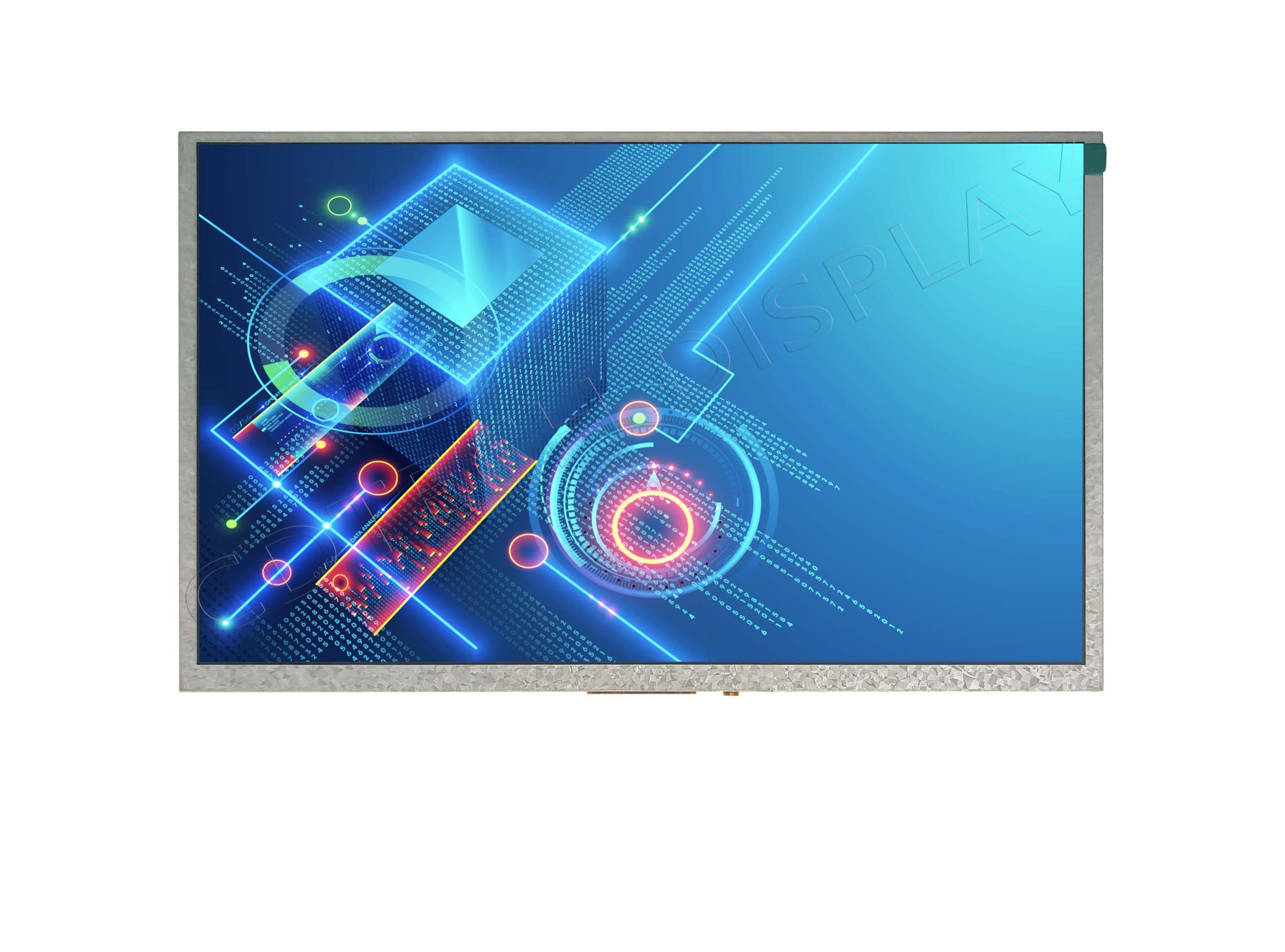
| Signal | Power-Up Order/Timing | CDTech Custom (e.g., S070QWU142FN-FL150-GF) |
|---|---|---|
| VCC/AVDD | 0-10ms ramp to 3.3V | 0-10ms to stable 3.3V |
| RESETn | Low >1ms after VCC, high >10ms | Low 2ms post-VCC, high 15ms |
| LP11 | >100μs hold | 150μs verified |
| Lanes | After LP11 | Clock/data post-LP11 |
How Does MIPI DSI VCC Timing Diagram Work in Practice?
A MIPI DSI VCC timing diagram shows voltage ramps (AVDD > DVDD by 1ms), RESETn pulse (>10ms), and LP11 hold (>100μs). Use oscilloscopes for verification with bridge ICs in MIPI to RGB converter power sequence. For CDTech’s S070QWU142FN-FL150-GF (7.0″ IPS, MIPI, optical bonded CTP), download sequences optimized for -20°C~+70°C industrial use with IATF16949 certification.
CDTech Expert Views
Our quad certifications (ISO9001, IATF16949, ISO14001, ISO13485) and full vertical integration—from LCD cutting to OCA bonding—ensure MIPI power sequence reliability for custom TFT LCDs, avoiding white screen issues that plague off-the-shelf panels,” says CDTech Senior Engineer. Case study: Patented 2nd Cutting delivered stable MIPI sequences for a 7.0″ 1200×1920 automotive HMI S070QWU142FN-FL150-GF, achieving 0% startup failures for OEMs. Contact sales@cdtech-lcd.com for datasheets; visit custom solutions.
Which Common Mistakes Lead to White Screen on MIPI LCDs?
Common pitfalls include powering MIPI lanes before VCC stable, ignoring power-down reverse causing reboot failures, or non-compliant ramps in avoid white screen MIPI LCD setups. Troubleshoot white screen error LCD power on with multimeter/scope for VCC alignment. CDTech’s 35 software patents and ERP traceability support seamless integration across 1,000+ customer projects with panels like S070QWU142FN-FL150-GF.
How Can CDTech’s Custom Displays Simplify MIPI Integration?
CDTech’s patented 2nd Cutting (2017) enables non-standard MIPI sizes like bar IPS with pre-validated power sequencing for converters. With $30M+ 2023 sales, 10,000㎡ factory, and touch-integrated solutions such as S070QWU142FN-FL150-GF (MIPI, CTP, optical bonded), prototyping time reduces significantly. Explore 7.0″ MIPI bar IPS and IATF16949-certified options.
What Are Power-Down Best Practices for MIPI DSI Displays?
Power-down reverses startup: deactivate lanes, LP11 reset, RESETn low, then VCC/AVDD ramp-down to prevent white screen on reboot. CDTech ensures compliance across 391+ SKUs like the 7.0″ S070QWU142FN-FL150-GF for industrial/automotive longevity through full in-house testing in Class 1000 clean rooms.
| Step | Power-Up Timing | Power-Down Timing (Reverse) |
|---|---|---|
| 1 | VCC/AVDD on (0ms) | VCC/AVDD off (last) |
| 2 | RESETn low/high | RESETn low |
| 3 | LP11 | LP11 off |
| 4 | Lanes active | Lanes off (first) |
Conclusion
Proper MIPI DSI power sequencing eliminates white screen errors. Partner with CDTech for patented, certified custom TFT LCDs like S070QWU142FN-FL150-GF that deliver plug-and-play reliability, backed by 13+ years, $30M+ sales, full in-house production, and global leadership in display innovation for industrial, automotive, and embedded solutions.
FAQs
What causes white screen on MIPI LCD power on?
Mismatched VCC/RESETn timing or skipped LP11; follow CDTech’s validated sequences for instant fixes on panels like S070QWU142FN-FL150-GF.
What is the MIPI DSI power-up sequence order?
VCC > RESETn cycle > LP11 > lanes (detailed in timing diagrams above); reverse for shutdown, as verified in CDTech MIPI displays.
How does CDTech prevent MIPI startup issues?
Patented 2nd Cutting and quad certifications ensure low defect rates in custom MIPI TFT LCDs like the 7.0″ bar IPS model.
Can I use this for MIPI to RGB converters?
Yes—align bridge board VCC with CDTech panel specs like S070QWU142FN-FL150-GF (MIPI, 1200×1920) for reliable conversion.
Where to get custom MIPI power sequencing support?
Email sales@cdtech-lcd.com; access datasheets for 391+ SKUs with verified timings from CDTech’s custom solutions.
Post Search
Related Articles
-

Capacitive vs Resistive Touch Screen Car Stereo: Which Is Right for You?
-

TN LCD vs IPS LCD: How to Choose the Right Display for You
-

Capacitive Touch Panel or Resistive: Which Suits Your Needs?
-

Why Choose an IPS LCD Panel for Your Next Screen Purchase?
-

CDTECH to Showcase Cutting-Edge Display Solutions at SID 2025
-

Comparing Different Types of Displays in Cars: A Detailed Overview
-

White Spots on LCD Screen: Causes, Fixes & Industrial Solutions (2026 Guide)