

Serial vs Parallel Communication: Key Differences, Pros & Industrial Use Cases
 2026-03-27
  11:54
11:54 

Introduction
Serial and parallel communication are two fundamental methods used to transfer data between electronic devices.
In simple terms, serial communication sends data one bit at a time, while parallel communication transmits multiple bits simultaneously using multiple data lines.
Each method has its own strengths and limitations. Choosing the right one depends on factors such as speed, transmission distance, system complexity, and application requirements—especially in industrial display systems.
What Is Serial Communication?
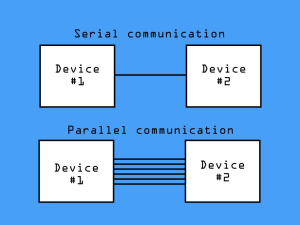
Serial communication transmits data bit by bit over a single channel or differential signal pair. It is widely used in modern electronics due to its simplicity and reliability.
Key Characteristics:
- Minimal wiring (fewer pins and cables)
- Strong resistance to EMI (Electromagnetic Interference)
- Supports longer transmission distances
- Lower power consumption
Common Serial Interfaces:
- SPI (Serial Peripheral Interface):Short-distance, fast, simple integration,typical transmission rate 1~50 Mbps, 4 core signal lines, suitable for low-to-medium resolution small displays (≤480×320).As a basic serial interface, SPI is limited by its transmission rate; for industrial displays with higher resolution than 480×320, the MIPI DSI interface is the preferred alternative for higher transmission efficiency.
- MIPI DSI (Mobile Industry Processor Interface Display Serial Interface): High-speed interface for high-resolution displays,typical transmission rate 1Gbps (1-lane)~4Gbps (4-lane), supports multi-lane transmission, ideal for HD/2K industrial displays
- UART / RS-485 (Universal Asynchronous Receiver/Transmitter): Long-distance industrial communication,RS-485 transmission distance up to 1200m, anti-interference, suitable for remote industrial device communication
Best for: compact devices, industrial environments, embedded systems
What Is Parallel Communication?
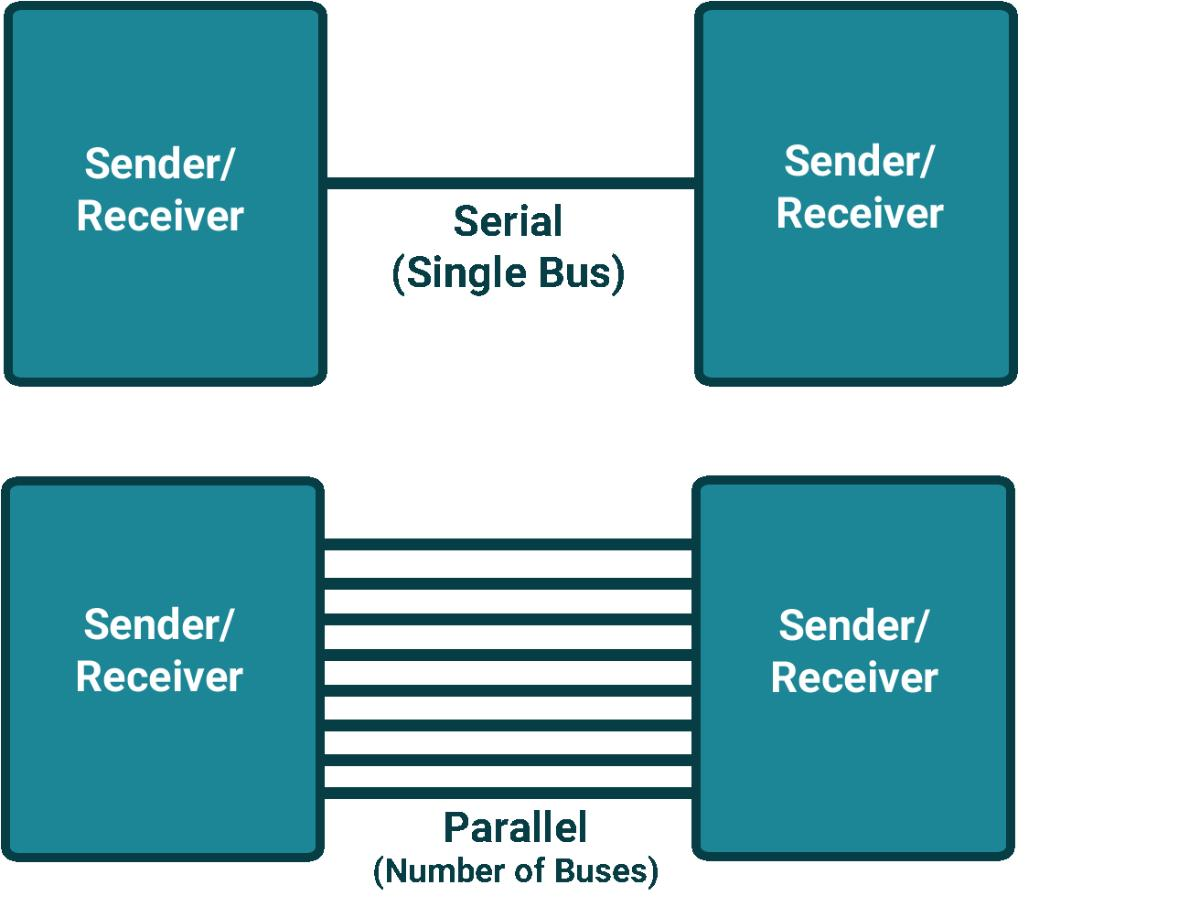
Parallel communication transmits multiple bits simultaneously across multiple data lines, enabling very high data throughput.
Key Characteristics:
- High data transfer speed
- Real-time data transmission
- Requires many signal lines
- Higher susceptibility to EMI
Common Parallel Interfaces:
- RGB (8/16/24-bit): Standard for LCD displays,8-bit for basic color displays, 16/24-bit for true color medium and high resolution displays (≥800×480) and ultra-high resolution displays (≥720×1080),real-time pixel refresh without delay
- Intel 8080 / Motorola 6800: Legacy parallel interfaces,8/16-bit data bus, classic for traditional industrial control panels, compatible with old MCU systems
Best for: high-resolution displays, real-time graphics, legacy systems
Serial vs Parallel Communication: Key Differences
Here’s a quick comparison of the two communication methods:
|
Feature |
Serial Communication |
Parallel Communication |
|
Data Transmission |
One bit at a time |
Multiple bits simultaneously |
|
Wiring |
Simple (few wires/pins) |
Complex (many wires/pins) |
|
Speed |
Moderate to high (high-speed serial optional) |
Very high (raw data throughput) |
|
Distance |
Long (up to 1200m for RS-485) |
Short |
|
EMI Resistance |
Strong |
Weaker |
|
Cost |
Lower |
Higher |
|
Power Consumption |
Lower |
Higher |
Pros and Cons of Serial vs Parallel Communication
Serial Communication
Advantages:
- Simple hardware design
- Lower cost and power consumption
- Better for long-distance transmission
- Strong EMI resistance
Disadvantages:
- Lower raw data throughput compared to parallel
- May require encoding/decoding overhead
Parallel Communication
Advantages:
- High-speed data transfer
- Ideal for real-time applications
- Direct data transmission (no serialization)
Disadvantages:
- Complex PCB design
- Higher cost and power usage
- Limited transmission distance
- Susceptible to signal interference
Signal skew easily occurs during transmission, which increases the difficulty of hardware debugging and layout optimization
When to Use Serial vs Parallel
Choosing between serial and parallel communication depends on your application:
Use Serial Communication If:
- You need long-distance transmission
- Your system operates in high-EMI environments
- You want compact and low-power design
- You’re working with modern embedded systems or IoT devices
Typical applications:
- Industrial HMI panels
- Portable devices
- Remote monitoring systems
Unsure which interface fits your industrial project? Take our free interface selection assessment for a detailed and professional recommendation
Use Parallel Communication If:
- You need high-speed real-time data transfer
- Your display requires high resolution or video rendering
- You must support legacy hardware interfaces
Typical applications:
- Medical imaging systems
- Industrial control panels
- Automotive displays
Serial vs Parallel in LCD Interfaces (SPI, MIPI, RGB)
In industrial LCD systems, the choice between serial and parallel communication directly affects performance, integration complexity, and reliability. Part of industrial LCD supports serial-parallel hybrid communication scheme (serial for control signal, parallel for data signal) to balance transmission efficiency and wiring simplicity.This hybrid scheme combines the advantages of serial and parallel communication: it leverages the strong anti-interference and long-distance transmission capabilities of serial communication for control signals to ensure stable command transmission, and takes advantage of the high-speed real-time data throughput of parallel communication for image data to meet the display refresh requirements. It is widely used in medium-sized industrial HMI panels and on-vehicle display systems that require both transmission stability and real-time image rendering.
Serial Interfaces (SPI / MIPI)
- Easier integration with modern MCUs
- Reduced wiring and PCB complexity
- Suitable for small to mid-size displays
- Low EMI, support long-distance transmission
Parallel Interfaces (RGB)
- Supports real-time pixel updates
- Ideal for high-resolution displays (≥800×480)
- Requires more pins and careful PCB layout
- High raw data throughput for real-time rendering
Recommended Industrial Display Solutions
Choosing the right interface is only part of the solution. Selecting a compatible and reliable display module is equally important for long-term system stability.
At CDTech, we provide both serial (SPI/MIPI) and parallel (RGB) TFT LCD modules designed for industrial environments.
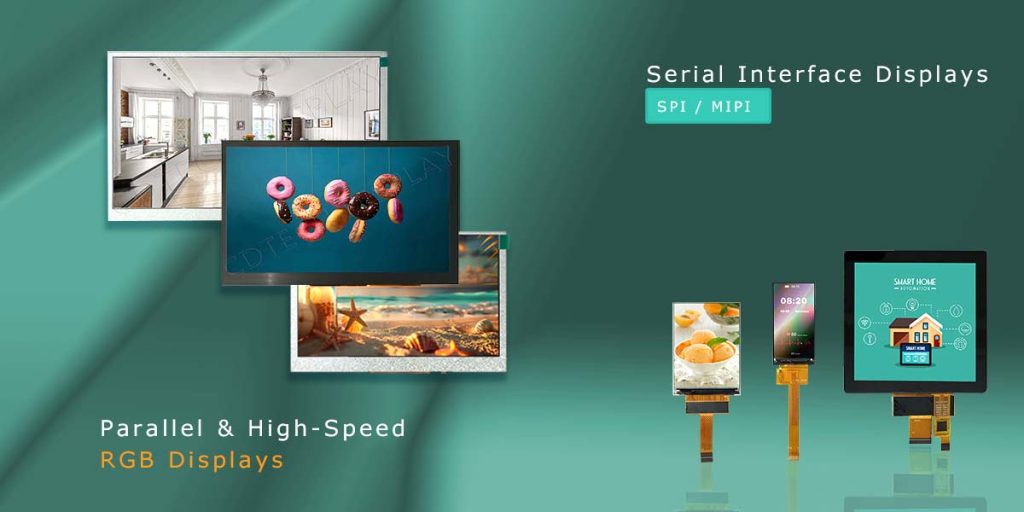
Serial & Parallel Interface Display Products Summary
|
Product Model |
Interface Type |
Resolution |
Core Parameters |
Operating Temp. |
Applicable Scenarios |
|
SPI (12-pin FPC) |
170×320 |
65K true color, 3.3V, ST7789 driver, 700 nits, IPS full viewing angle |
-20°C ~ +70°C |
Industrial meters, handheld medical devices, smart wearables |
|
|
MIPI 2-lane (30-pin FPC); CTP: I2C |
480×480 |
5-point capacitive touch (G+G structure), ST7701S-G5 driver, 300 nits, IPS full viewing angle, low EMI |
-20°C ~ +70°C |
Industrial handheld devices, smart home terminals, portable in-vehicle controls |
|
|
RGB (24-bit, 50-pin FPC); CTP: I2C |
800×480 |
24-bit true color, 60Hz refresh rate, HX8664-B+HX8264-E dual driver, 12 o’clock viewing angle, air bonding process |
-30°C ~ +80°C |
Real-time industrial HMI panels, industrial control panels, portable industrial testing equipment |
If you have doubts about the interface selection for your industrial project,
our professional engineering team can provide customized selection suggestions for the most suitable display module according to your system architecture, performance indicators and actual industrial environmental conditions.
Conclusion
Serial and parallel communication each serve different purposes in modern electronics.
- Serial communicationis ideal for most modern industrial applications due to its simplicity, reliability, and long-distance capability.
- Parallel communicationremains essential for high-speed, high-resolution display systems and legacy hardware compatibility.
Understanding their differences helps you choose the most efficient and cost-effective solution for your project.
FAQ
Q:What is the main difference between serial and parallel communication?
A: Serial communication sends data one bit at a time, while parallel communication sends multiple bits simultaneously using multiple lines.
Q:Is serial communication slower than parallel?
A:In raw data terms, yes. However, modern serial technologies (like MIPI) can achieve extremely high speeds with better efficiency.
Q:Why is serial communication more widely used today?
A:Because it requires fewer wires, offers better EMI resistance, and supports longer transmission distances.
Q:When should I use parallel communication?
A:When your application requires real-time data transfer, high resolution, or compatibility with legacy systems.
Post Search
Related Articles
-

Capacitive vs Resistive Touch Screen Car Stereo: Which Is Right for You?
-

TN LCD vs IPS LCD: How to Choose the Right Display for You
-

Capacitive Touch Panel or Resistive: Which Suits Your Needs?
-

Why Choose an IPS LCD Panel for Your Next Screen Purchase?
-

CDTECH to Showcase Cutting-Edge Display Solutions at SID 2025
-

Comparing Different Types of Displays in Cars: A Detailed Overview