

The Ultimate Guide to Troubleshooting Common Medical Display Errors
 2025-12-18
  11:50
11:50 

Medical Displays and Their Importance
What Is a Medical Display and Why Is It Critical in Healthcare?
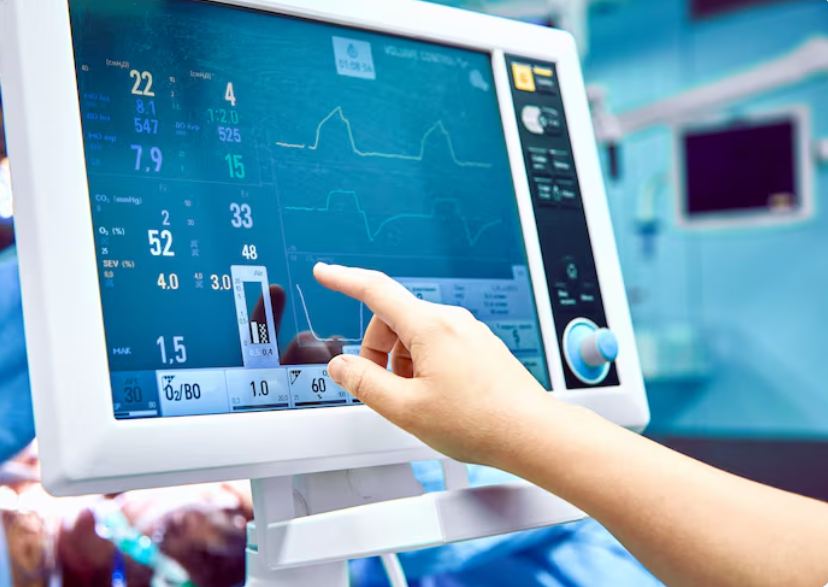
Medical displays are specially made monitors created to show clinical images with top-notch precision and sharpness. These tools form a key part of diagnosis work. They allow radiologists and other health experts to review information from scans like X-rays, CT images, and MRIs exactly right.
Regular monitors do not match this. Medical displays stick to the Digital Imaging and Communications in Medicine (DICOM) standard. This setup provides steady grayscale views and light levels. Such qualities matter a lot for finding small problems in medical images. Spotting small changes in contrast decides if a spot gets noticed properly or goes unseen.
How Do Medical Displays Differ from Standard Monitors?
Main differences between medical-grade displays and home monitors stem from their tech details and practical traits:
-
Higher Resolution and Brightness: Medical displays handle sharper resolutions (usually over 3MP). This gives clear picture details vital for right diagnosis.
-
Calibration Consistency: These screens get set up at the factory. Many include inner sensors that adjust the display on a regular basis. This keeps reliability over the long haul.
-
Special Features: Medical displays have coatings that fight glare to lessen reflections. They also feature auto light tweaks and room light detectors. These improve how well you see the screen in various light setups.
Common Types of Medical Display Errors
What Are the Most Frequently Encountered Display Issues in Clinical Settings?
Medical displays perform well, but they can still break down. Common screen problems in medical areas include:
-
Inconsistent Brightness or Backlight Failure: This hides tiny picture details. In turn, it might cause errors in diagnosis.
-
Color Distortion: A change in color shade or depth can show body parts or illnesses wrong. This weakens the analysis.
-
Flickering Screens: Long time watching flickering pictures leads to eye tiredness and weariness. This happens often in long diagnosis periods.
How Can Calibration Errors Affect Diagnostic Accuracy?
Right calibration matters for keeping DICOM standards. If a display misses proper setup:
-
Grayscale levels might appear off. This harms the sight of soft tissue shades.
-
Straying from even light rules can lead to dark or extra bright spots in the picture.
-
Steady calibration brings uniformity to many workstations. This proves extra important in remote radiology work.
Diagnosing the Root Cause of Display Malfunctions
What Should You Check First When a Medical Display Malfunctions?
To fix a broken medical display, take a planned path:
-
Check Power Supply and Cables: A loose or bad link often stands as the easiest but ignored reason for screen troubles.
-
Inspect Display Settings: Unintended shifts in resolution or color setups can harm operation. Returning to standard settings might solve it.
-
Update Software or Drivers: Mismatches between old drivers and systems can spark uneven screen actions.
How Can Environmental Factors Contribute to Display Issues?
Outside conditions can strongly affect how medical displays run and endure:
-
Ambient Light Interference: Too much light in the space lowers the screen’s contrast feel. Then, it gets harder to separate gray levels.
-
Dust Accumulation: Dust clogs cooling openings. This brings overheating and later hardware damage.
-
Electromagnetic Interference (EMI): Gear sending EMI close to the display setup can trigger screen shakes or signal breaks.
Step-by-Step Troubleshooting Procedures for Common Errors
How Do You Fix a Dim or Flickering Screen on a Medical Display?
Troubleshooting Steps:
-
Adjust Brightness Settings: Go to the monitor’s control panel. There, check and fine-tune light levels.
-
Verify Power Source Stability: Shaky power can spark flickering. So, confirm all cables connect tightly.
-
Update Firmware and Drivers: Makers put out updates from time to time. These patch familiar glitches.
What Actions Can Resolve Color Inconsistencies on the Screen?
Troubleshooting Steps:
-
Recalibrate the Display: Pick built-in sensors or outer tools. Use them to bring back DICOM rules.
-
Reset to Factory Defaults: When recalibration does not work, go back to original setups. This removes mistakes from user tweaks.
-
Ensure DICOM Support in Software: The program that shows images needs DICOM handling. This keeps colors true to form.
Why Is My Medical Monitor Not Displaying an Image at All?
Troubleshooting Steps:
-
Test Power Source: Switch to a new outlet or adapter. This rules out power breakdowns.
-
Check Input Selection: Make sure the right input shows up on the monitor menu.
-
Connect to Another Device: Hook the monitor to a fresh matching device. This pinpoints if the fault sits with the display or the input gear.
Preventive Maintenance Tips for Long-Term Performance
How Often Should You Calibrate a Medical Display?
In medical spaces, ongoing calibration cannot be skipped. Most makers advise doing it every 3–6 months. Approved tools make sure it lines up with DICOM Part 14 standards. These rules guide grayscale display for health images.
What Are Best Practices for Extending the Life of a Medical Monitor?
Maintenance Guidelines:
-
Clean the screen on a regular basis with medical-grade, gentle cleaning products.
-
Do not put displays in spots open to straight sunlight or high dampness.
-
Set up usual system checks to catch early hints of part breakdown.
Choosing Reliable Solutions: Spotlight on CDTech’s Medical Displays
Why Should Healthcare Facilities Consider CDTech’s Products?
At CDTech, we see that clinic exactness starts with the screen. Our medical displays get built on purpose for diagnosis truth. They come with sharp panels that fit the strict demands of current health imaging setups. Medical displays take up 20% of our whole product range. This highlights our firm dedication to pushing health tech forward.
We build our products with steady light output. They boast strong construction fit for tough clinic spots. Also, they provide broad viewing ranges that back group diagnosis efforts.
What Features Make CDTech Displays Stand Out in Clinical Use?
Key Product Advantages:
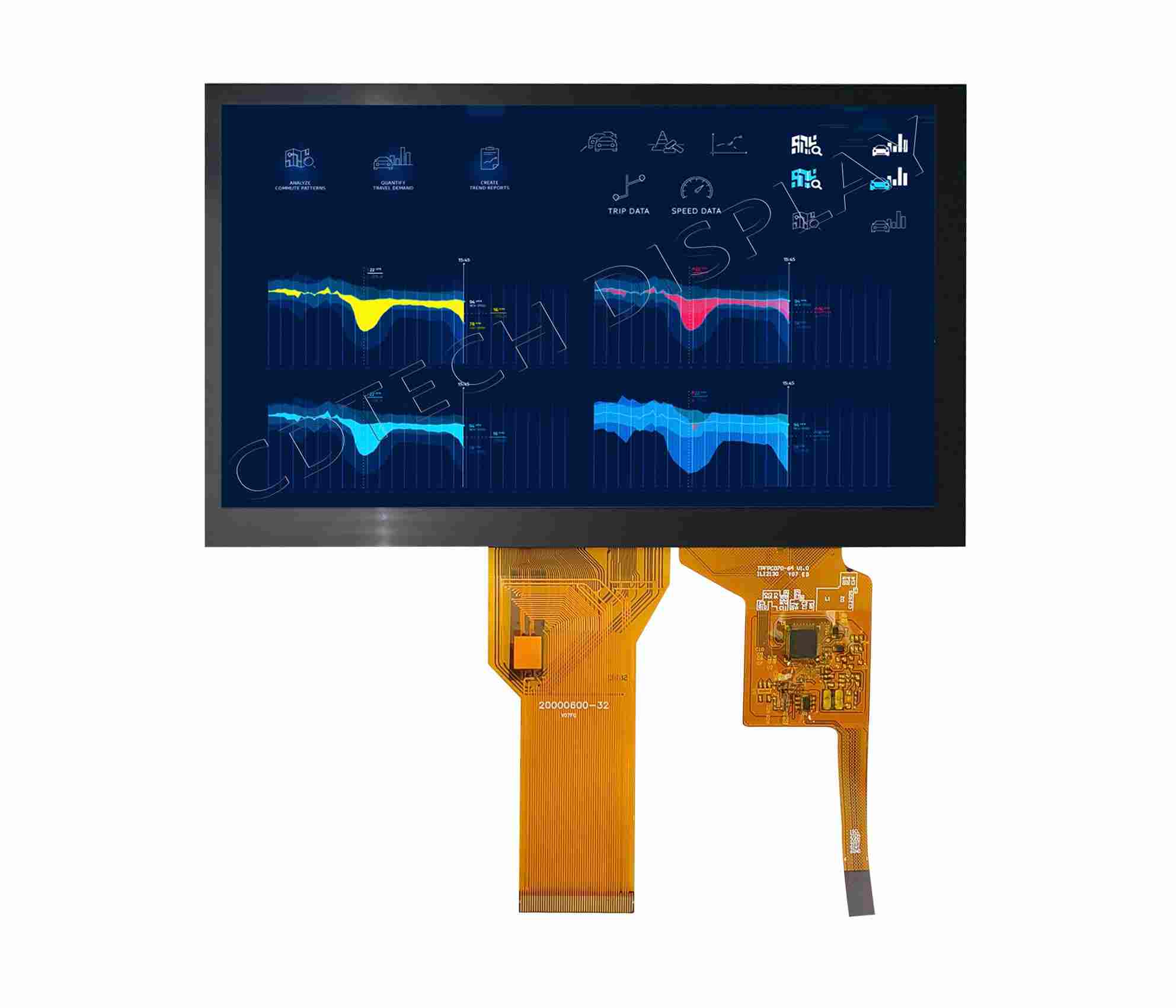
Medical equipment gives extra focus to user safety. It prevents added damage to patients. Thus, CDTech adds a sheet of explosion-proof film to our product faces. This also brings anti-glare results. Sure, it goes beyond that. We can craft extra added options on the basic LCD display per client needs. Examples include custom backlight, FPC (LCD module or CTP), resistive touch panel (RTP) and projected capacitive touch panel (CTP) or anti-reflective (AR) / anti-glare (AG) / anti-fingerprint (AF) coating, or customized PCB board, etc.
Our displays provide:
-
DICOM Part 14 Compliance: This brings steady grayscale display over devices for solid diagnosis.
-
Auto-Brightness Adjustment: It shifts screen light on its own to fit room light setups.
-
Long-Life Components: Industry-level parts stretch product life and cut repair breaks.
Be it in radiology units or surgery spaces, our medical displays offer firmness, truth, and output that health workers can rely on.
FAQ
Q: Why does my medical display look different from one room to another?
A: Changes in room light, calibration condition, and viewing ranges can shift how images show on varied displays. Routine calibration aids in keeping evenness over work stations.
Q: Can I use a regular computer monitor instead of a medical-grade display for diagnostics?
A: No, common monitors miss the sharpness, light evenness, and DICOM rules needed for true diagnosis imaging. This could weaken patient care level.
Q: What should I do if my medical monitor keeps losing signal intermittently?
A: First, look over all cable ties and swap any hurt ones. Plus, confirm your graphics card drivers stay fresh and match your system version.
Post Search
Related Articles
-

Capacitive vs Resistive Touch Screen Car Stereo: Which Is Right for You?
-

TN LCD vs IPS LCD: How to Choose the Right Display for You
-

Capacitive Touch Panel or Resistive: Which Suits Your Needs?
-

Why Choose an IPS LCD Panel for Your Next Screen Purchase?
-

CDTECH to Showcase Cutting-Edge Display Solutions at SID 2025
-

Comparing Different Types of Displays in Cars: A Detailed Overview