

Why Choose LCD 800×480? Understanding Its Unique Advantages
 2025-12-11
  11:50
11:50 

What Makes the LCD 800×480 Resolution a Smart Display Choice?
How Does the 800×480 Resolution Meet Modern Display Needs?
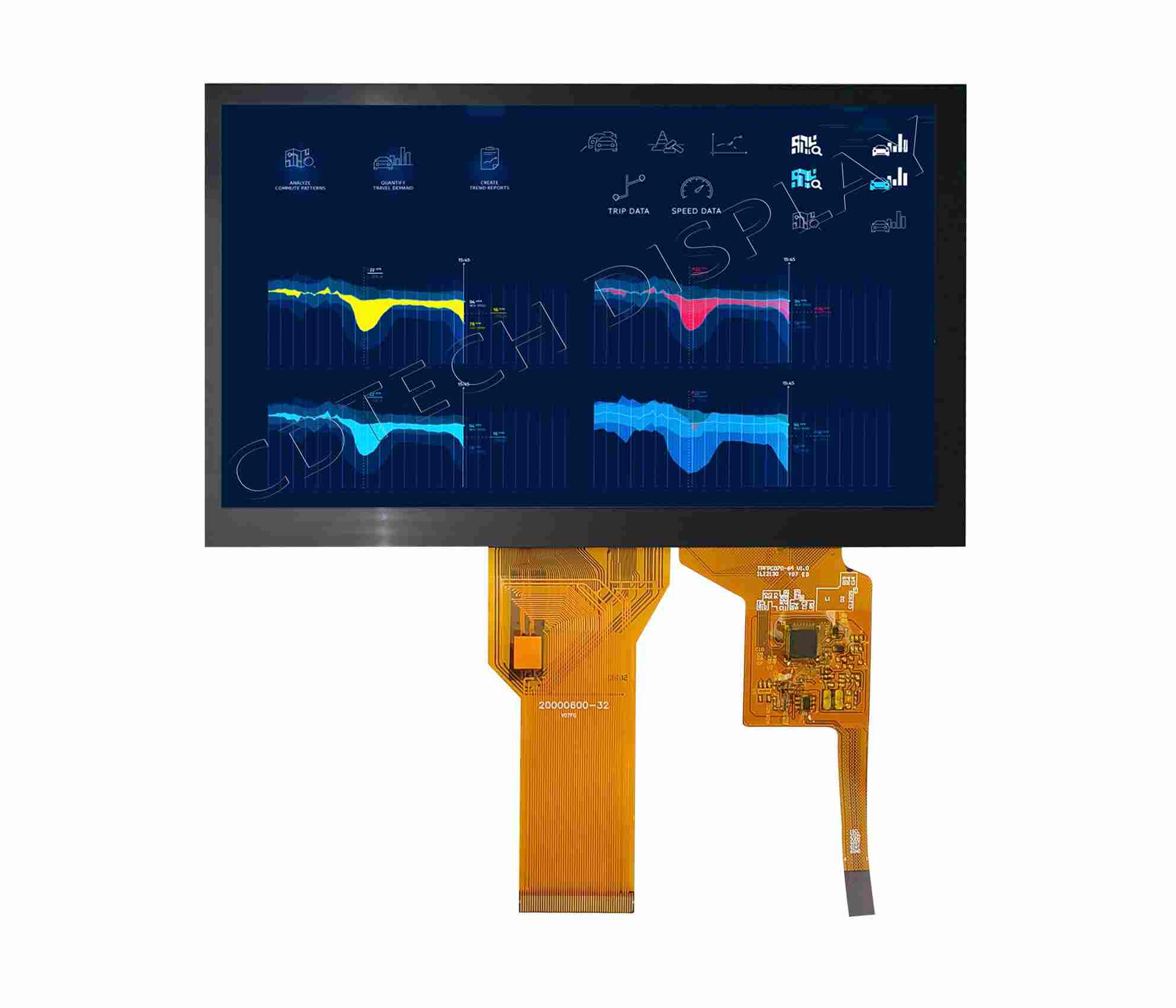
The 800×480 resolution, often called WVGA (Wide Video Graphics Array), hits a fine mix between picture clear and work thrift. In today’s tech world, not all uses need high-def screens; many gain more from mid resolutions that give enough image sharp while saving handle power and energy. The 800×480 setup proves specially thrift in power use and system strain. This makes it fit for gadgets that aim battery lasting or heat control.
This resolution also suits well for small gadgets where full HD would prove too much. It gives enough pixel pack for sharp, readable words and pictures in hand or built setups without overloading the gear. Plus, its wide back over built bases, micro bosses, and screen drivers makes sure great match and ease of blend.
In What Applications Is 800×480 LCD Commonly Used?
Thanks to its flexibility, the 800×480 LCD gets used over varied fields. One of its top uses is in car dashes and fun setups, where clear read and quick faces matter for safe drive times. Likewise, factory control boards use this resolution for now watch and hold without needless picture load.
Health gadgets also gain from this resolution. It offers crisp screens for patient watch or check tools in a small print. Smart home items like heat controls or guard panels count on this resolution for easy, touch-based faces. It’s also common in hand ends, code scan, and sale point setups, where space thrift and mid picture action prove key.
Why Is Brightness a Key Factor in Choosing an LCD Display?
What Is Brightness in LCDs and Why Does It Matter?
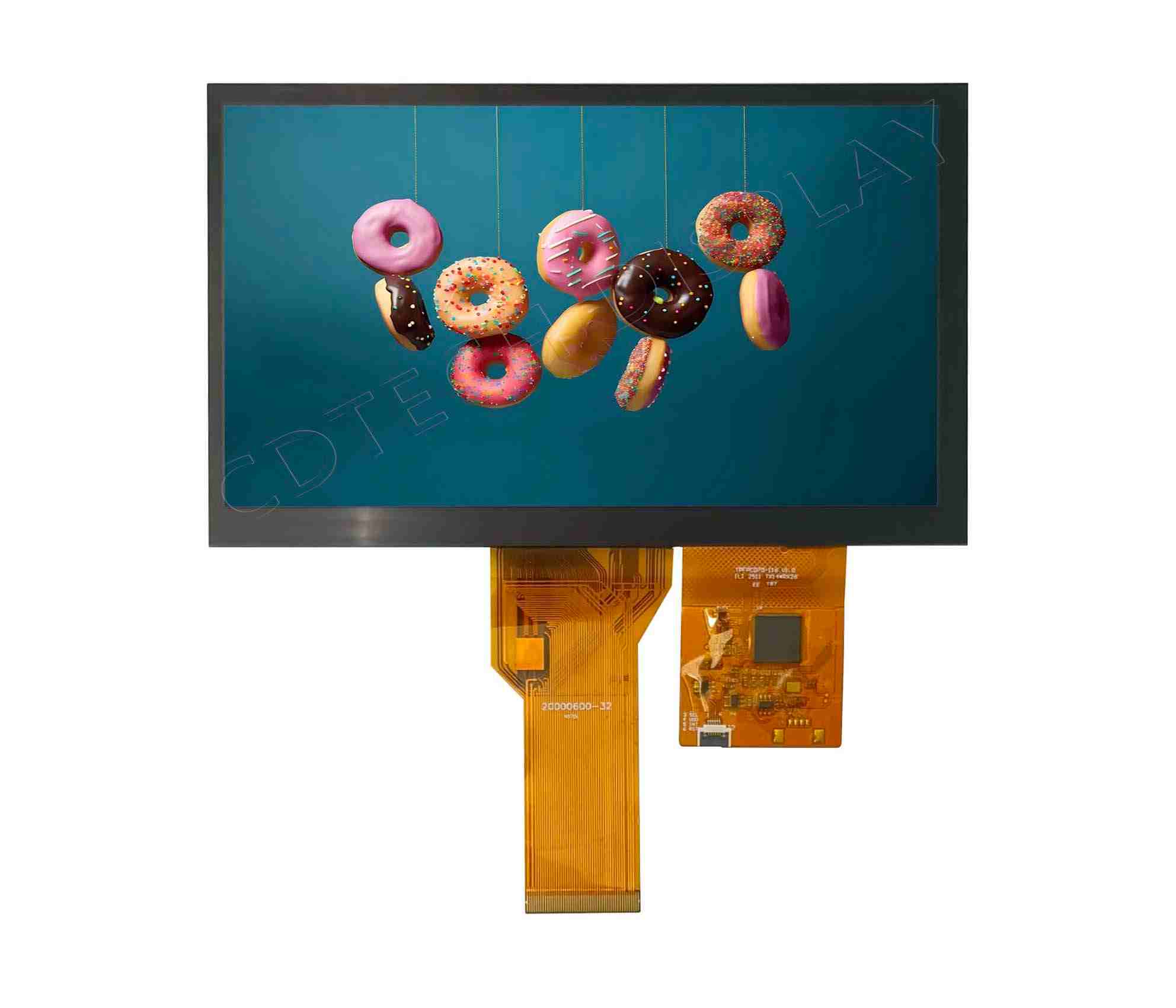
Brightness in LCDs means the light amount the screen sends and gets gauged in nits (cd/m²). This spec straight sways how well a screen can get seen under varied light states. A brighter screen makes sure better see, specially in spots with high around light or direct sun. Whether inside under strong fake lights or outside in natural day, brightness sets user ease and face read.
A low-bright screen might work fine in dim spots but turns hard to read when hit by glare. So, picking the right brightness grade proves vital for use and work trust.
How Bright Should an 800×480 LCD Be for Outdoor Use?
For outside or half-outside use, brightness grades over 500 nits usually get suggested to hold read. In high-glare states like direct sun, a screen might need up to 800 nits or more to stay seen. –Low/High Brightness version option.( From 200nits up to 3500nits). This wide span lets pick based on exact use spots—from inside stands to sun-readable factory screens.
How Does Viewing Angle Enhance the User Experience of an 800×480 LCD?
What Role Do Viewing Angles Play in Display Performance?
Viewing angle sets how well a screen holds picture level when seen from varied spots. In screens with narrow viewing angles, colors might shift or fade when not seen straight. This can badly hit use in group sets or gadgets where users link from various ways.
Wide viewing angles make sure even picture level—key for control boards, guide setups, or public stands where many users might link with the screen at once.
How to Evaluate Viewing Angle Specifications When Choosing a Display?
Viewing angles get gauged in degrees both side and up-down (e.g., 80°/80°/70°/70°). These values show how far off-middle one can see the screen before picture drop happens. For uses asking top visual even, In-Plane Switching (IPS) or wide-angle TN panels get suggested over standard TN panels. Matching the panel kind with the meant use case makes sure best user time.
What Are the Benefits of Touch Integration with 800×480 Displays?
Why Integrate Touchscreens into Medium Resolution Displays?
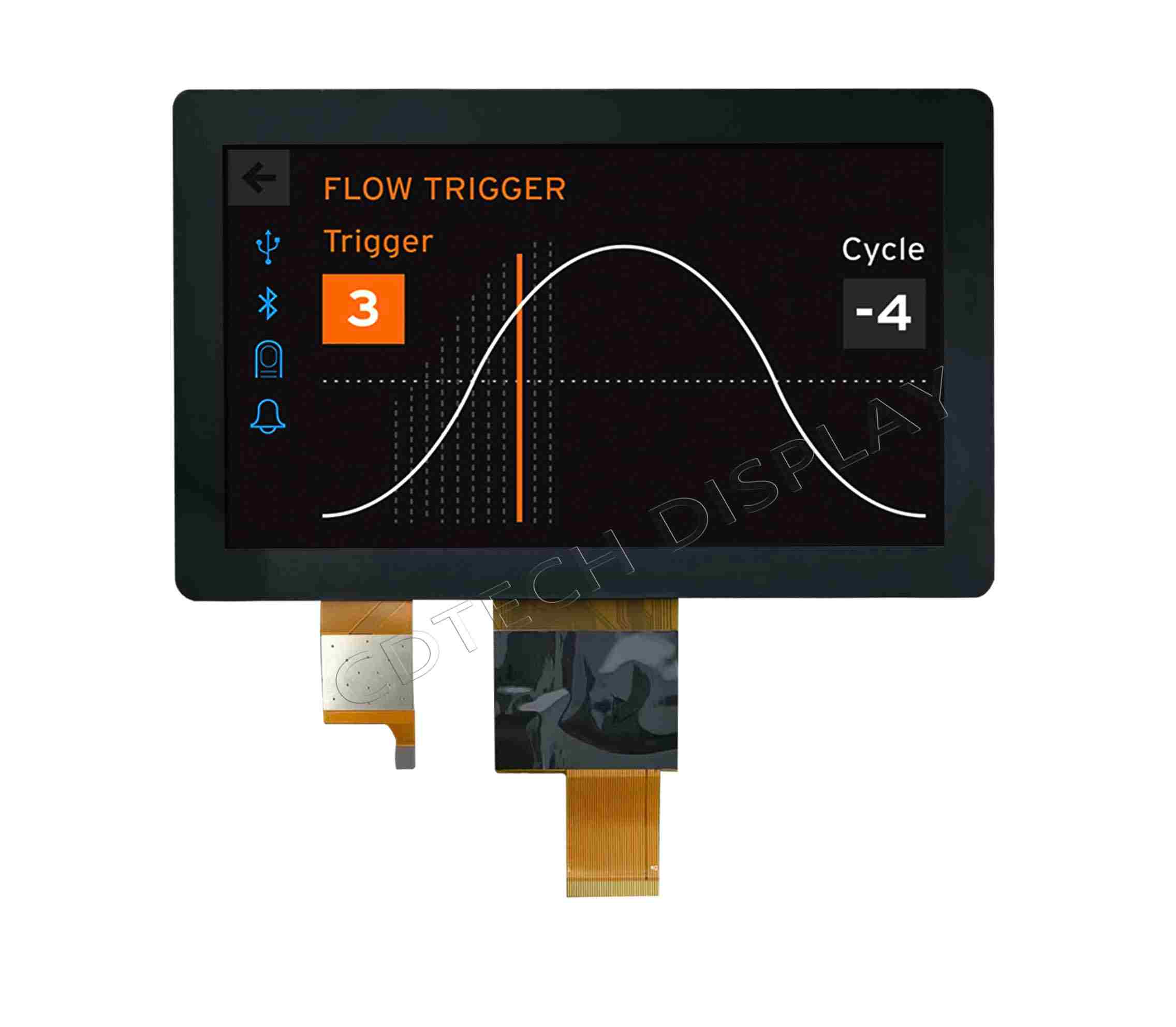
Touch blend turns an 800×480 screen into a link face fit for current user hopes. In spots such as stands, control boards, or carry tech, blending touch work smooths link by cutting the need for outside input gadgets like keys or mice. This not just cuts gear mess but also boosts user link through easy moves and orders.
Capacitive vs Resistive Touch: Which Works Better with 800×480 Panels?
Capacitive Touch Advantages:
Capacitive touchscreens give higher feel and multi-touch skill. This makes them perfect for buyer-aimed uses like smart home gadgets and fun setups.
Resistive Touch Advantages:
Resistive touchscreens run trusty with gloves or code pens and shine in rough factory spots where touch to damp, dust, or shakes can harm capacitive action.
What Makes CDTech a Reliable Provider of 800×480 LCD Solutions?
Who Is CDTech and What Sets Their Products Apart?
At CDTech, we focus on bringing high-action screen units planned specially for factory and business uses. Our goods get built to meet strict rules of level control and get backed by long-term ready pledges—making sure your fixes stay trusty over time.
One of our key powers rests in custom skills, holding Low/High Brightness version option. ( From 200nits up to 2500nits). Whether you need screens tuned for inside stands or high-bright screens readable under sun, we shape each unit to meet exact job wants.
Highlighting CDTech’s Key Offerings in the 800×480 Range
Our 800×480 LCD offerings get planned with fit in thought. We give high-bright choices that make sure see over varied light spots—from office stands to outside machines. We also back wide heat spans to hold rough uses such as plant auto and field gear.
For boosted work, we give optional touch blend—ready in both capacitive and resistive shapes—to fit varied user link models. With CDTech’s pledge to lasting and custom, our screens bring standout worth over many fields.
FAQ
Q: Can I use an LCD with 300 nits brightness outdoors?
A: While possible in shaded or low-glare outdoor conditions, a 300-nit display may not provide sufficient visibility in direct sunlight. For such scenarios, opting for higher brightness levels—typically above 500 nits—is advisable.
Q: Does higher brightness consume more power?
A: Yes, increasing brightness usually increases power consumption, which should be considered for battery-powered devices where energy efficiency is important.
Q: How does brightness affect display lifespan?
A: Excessively high brightness over extended periods can reduce the lifespan of the backlight. Using balanced brightness settings tailored to the environment can help preserve display longevity.
Q: What is the ideal brightness level for an LCD used outdoors?
A: For outdoor use, a display should ideally have at least 500 to 1000 nits of brightness to ensure readability under sunlight.
Q: Can I upgrade from a lower-resolution screen to an 800×480 without changing my controller?
A: It depends on your existing controller’s compatibility; many embedded systems support this resolution but checking datasheet specifications is essential.
Q: Is an 800×480 resolution sufficient for video playback?
A: Yes, it supports standard-definition video playback smoothly and is often used in applications where high-definition isn’t necessary but clarity is still important
Post Search
Related Articles
-

Capacitive vs Resistive Touch Screen Car Stereo: Which Is Right for You?
-

TN LCD vs IPS LCD: How to Choose the Right Display for You
-

Capacitive Touch Panel or Resistive: Which Suits Your Needs?
-

Why Choose an IPS LCD Panel for Your Next Screen Purchase?
-

CDTECH to Showcase Cutting-Edge Display Solutions at SID 2025
-

Comparing Different Types of Displays in Cars: A Detailed Overview