

How High-Brightness Touch Displays Are Redefining Cockpit Gaming
 2026-01-30
  00:00
00:00 

The Emergence of High-Brightness Touch Displays in Cockpit Gaming
What Is Cockpit Gaming and Why Is Display Technology So Critical?
Cockpit gaming offers one of the most engaging experiences in the gaming world. It brings simulator-style environments to life. This happens in racing, flight, or space simulation games. The cockpit setup copies real-life control panels. It provides a super-realistic interface that involves all the senses. The display sits at the heart of this experience.
Sharp visual quality and quick response times are not extras. They are must-haves. In cockpit gaming, displays act as the gateway to the virtual world. Any shortfall in brightness, sharpness, or touch response can ruin the immersion. It might also slow down performance. A sharp, fast display lets players respond quickly and precisely. This matters a lot when every second counts.

How Are High-Brightness Touch Displays Transforming This Experience?
Adding high-brightness touch displays is changing cockpit gaming in big ways. It boosts ease of use in different lighting setups. Strong sunlight, room glare, and tough light conditions can make regular displays hard to see. This hurts the player’s enjoyment. In simulator areas where light changes or extra screens bounce light, greater brightness keeps every key detail in view.
Touch features bring extra realism. Players can handle virtual dashboards right away. They adjust options, switch maps, or work virtual tools with simple moves. Paired with super-quick touch reactions, these screens give instant input precision. That fits well with the fast-paced side of simulation gaming.
The Technical Advantages of High-Brightness IPS Displays for Gaming
Why Is IPS Technology Ideal for Cockpit Gaming Setups?
IPS (In-Plane Switching) technology forms a key part of today’s cockpit gaming displays. It excels in image quality. IPS panels give steady color precision over broad viewing angles. This proves vital in multi-screen cockpit arrangements. Users look at screens from different spots. Less color change boosts the sense of being there. This helps especially in setups with several monitors.
Besides steady visuals, IPS displays often show stronger contrast levels and quicker response speeds than older TN panels. These qualities create smoother shifts and sharper images. They are key for fast-paced simulations where each pixel counts.
What Role Does Brightness Play in Gaming Performance?
Brightness affects how well you see and how comfortable you feel during play. Standard monitors usually offer 250 to 300 nits of brightness. But high-brightness versions hit 1,000 nits or higher. They work great outdoors or in places with lots of surrounding light. In cockpit simulators, LED lights or natural sun might make reading tough. Higher brightness ensures smooth play without stops.
Plus, greater light output cuts down on eye tiredness in extended sessions. It also handles HDR material well. This brings more lively colors and richer contrast for a true-to-life sight.
Enhancing Interactivity with Touch Capabilities in Gaming Displays
How Does Touch Functionality Improve the Gaming Interface?
Displays with touch options lift cockpit gaming higher. They allow hands-on dealings with digital setups. Players manage dashboards, tweak systems, and move through menus straight on the screen. They do not need to depend only on keyboards or outside controllers. High brightness touch monitors keep screens readable at all times. This creates a friendlier setup for users.
Such smooth interaction lets gamers carry out several tasks fast. For example, they can switch radio channels in flight sims or set tire pressure in racing games. All this happens without breaking the game’s rhythm.
Are There Latency Concerns with Touchscreen Inputs in Fast-Paced Games?
Today’s capacitive touchscreens focus on strong gaming results. Capacitive touch tech provides speedy response times fit for live gaming. It supports multi-touch and low delay in inputs. So, these displays suit tough simulator spots. There, exact timing and accuracy matter most.
Design Considerations for Integrating High-Brightness Displays into Cockpits
What Are the Key Factors When Choosing a Display for a Cockpit Setup?
Screen Size and Resolution Compatibility
Picking the best screen size means weighing immersion against space limits in the cockpit. Bigger screens build more realism. But they have to fit comfortably. Top resolution counts just as much. Clear images speed up info handling and improve detail spotting in tricky situations.
Mounting Flexibility and Viewing Angles
Cockpit designs need flexible mounting choices. Adjustable holders let you set screens at the best angles for viewing. IPS technology pairs nicely with this. It gives full angle performance with little twisting, no matter the position.
Heat Dissipation and Power Efficiency
High-brightness displays produce extra heat from their better backlighting. Smart heat management is crucial. This includes air flow or active cooling to keep things reliable. Power-saving backlights help sustain work without getting too hot.
CDTech’s Role in Advancing High-Brightness Gaming Displays
Who Is CDTech and What Makes Their Displays Suitable for Cockpit Gaming?
We at CDTech focus on top-notch IPS touch displays. We build them for tough uses like cockpit gaming simulators. CDTech supplies 1.5″ ~ 15.6″ quality industrial LCD displays. They offer long life, strong stability, high brightness, work in extreme temperatures, and touch & display blending. Our displays use cutting-edge visual tech and tough build quality. They handle the strict needs of deep-dive settings.
All our items follow strict quality rules. They hold certifications like ISO9001, ISO14001, ISO13485, and IATF16949.
What Features Do CDTech’s Gaming Displays Offer to Enhance User Experience?
Superior Brightness Levels and Color Accuracy
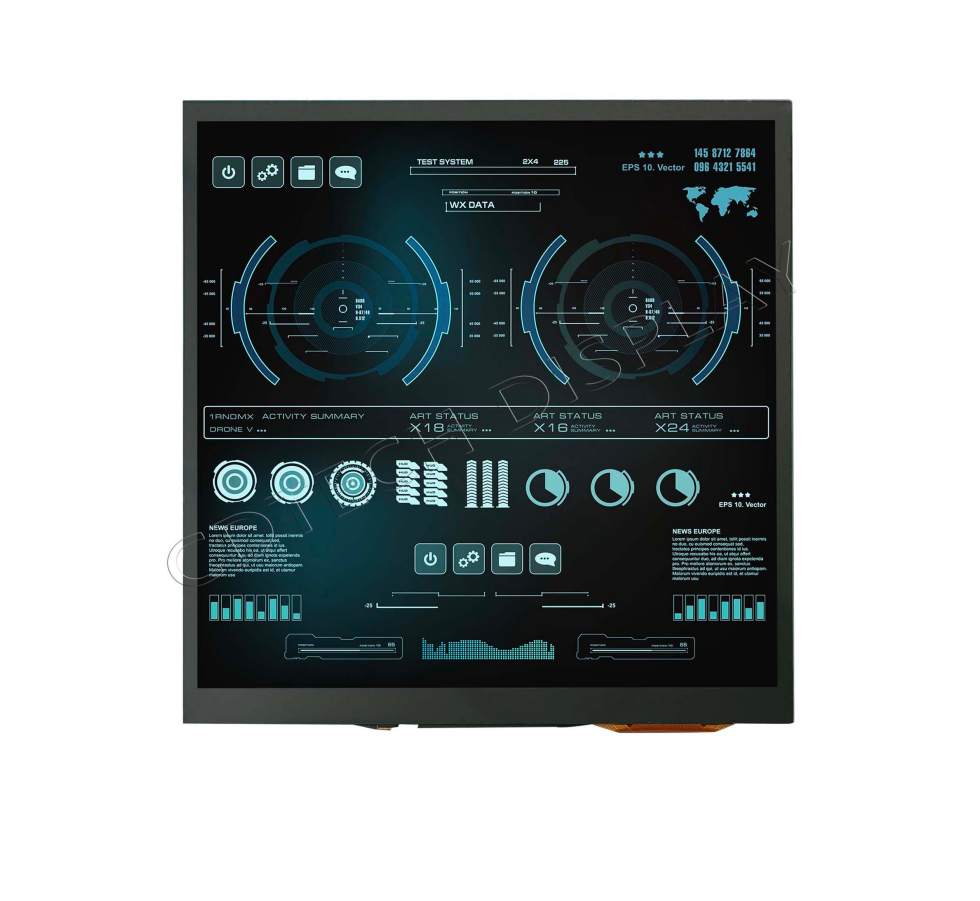
Our 7.5″ square IPS display gives 850 nits of brightness. This makes it a great pick for flight simulators needing sun-readable views. With 800*800 pixel resolution and 850nits high brightness, the picture shows plenty of details, vivid colors, and fitting light levels.
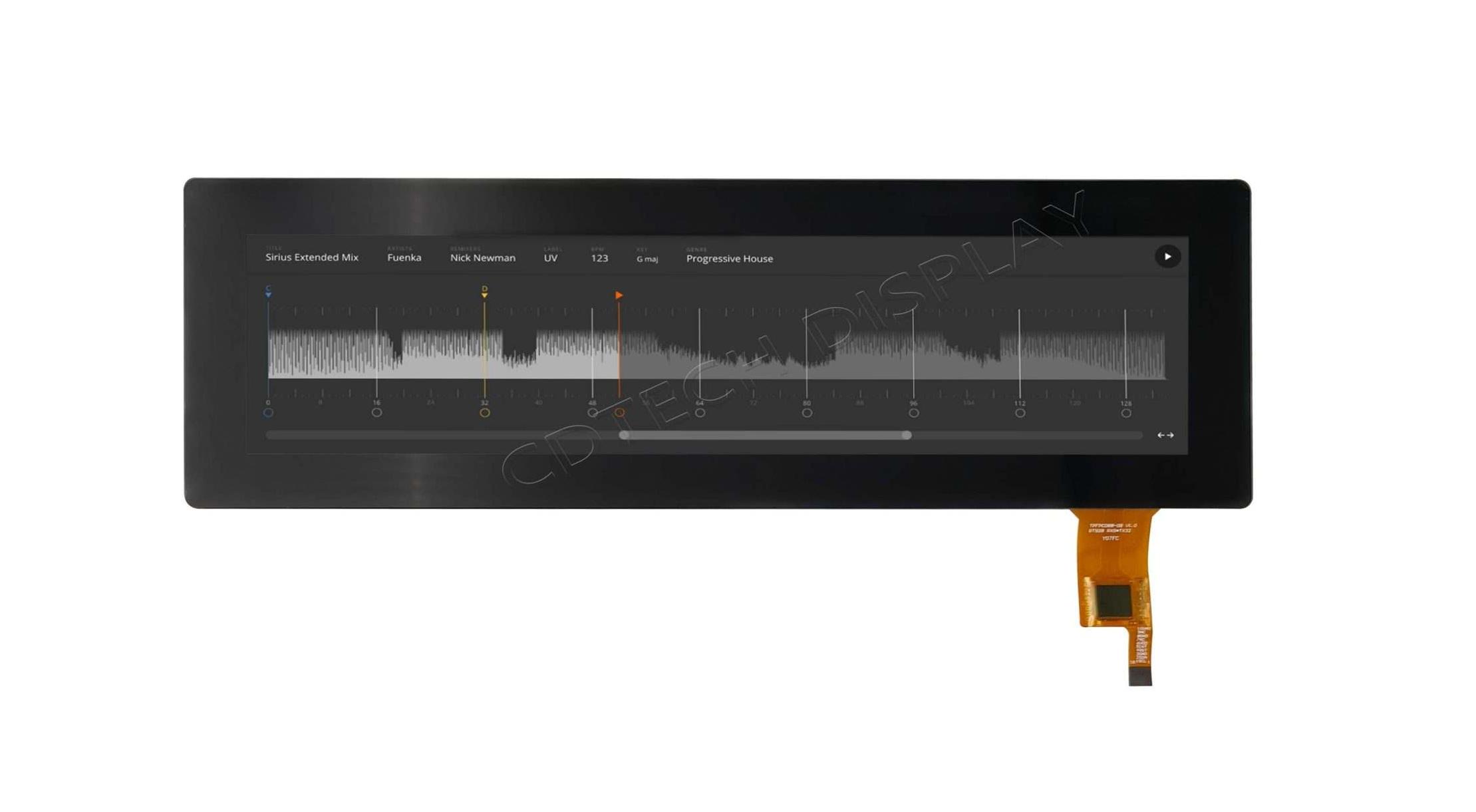
Our 8.8″ bar-type IPS display has 280 nits brightness. It offers a wide 80° viewing angle both ways. This suits racing dashboards or extra cockpit panels. With a sharp 1280×320 resolution and an impressive 1500:1 contrast ratio, it reaches aviation-level standards.
Responsive Touch Integration
Each touch panel we provide uses capacitive tech with multi-touch support. Our 7.5″ display applies fully bonded G+G structures. This cuts down reflections and boosts light passage. It is a key plus in simulator areas.
Customization Options for Gamers and Integrators
At CDTech, we give complete customization. This covers screen sizes to FPC layout and backlight design. It allows easy fitting into custom cockpits.
We also supply adapter boards. They allow links via HDMI or MIPI interfaces. This ensures they work with many gaming PC systems.
FAQ
Q: Are high-brightness displays necessary if I play games indoors only?
A: While not mandatory, high-brightness displays improve clarity even under indirect light or reflections from windows, enhancing overall visual comfort indoors.
Q: Can I use a high-brightness touch display with my existing gaming PC setup?
A: Yes, most high-brightness IPS touch displays connect via standard HDMI or DisplayPort interfaces and are compatible with Windows-based systems out of the box.
Q: Do touchscreens interfere with traditional gaming peripherals like joysticks or steering wheels?
A: No, touchscreens complement traditional peripherals by offering an additional layer of control rather than replacing them, especially useful for quick access to secondary functions or settings menus.
Post Search
Related Articles
-

Capacitive vs Resistive Touch Screen Car Stereo: Which Is Right for You?
-

TN LCD vs IPS LCD: How to Choose the Right Display for You
-

Capacitive Touch Panel or Resistive: Which Suits Your Needs?
-

Why Choose an IPS LCD Panel for Your Next Screen Purchase?
-

CDTECH to Showcase Cutting-Edge Display Solutions at SID 2025
-

Comparing Different Types of Displays in Cars: A Detailed Overview