

How to calibrate touch controller firmware for industrial glove mode?
 2026-04-17
  23:52
23:52 

To enable glove mode on a capacitive touch panel controller: (1) Access firmware settings via I²C/USB interface. (2) Locate sensitivity parameters (typically 50–200 touch threshold range). (3) Increase sensitivity by 15–30% above baseline for glove detection. (4) Calibrate across multiple glove materials (nitrile, leather, cotton). (5) Test in target temperature/humidity range. (6) Save settings to non-volatile memory. CDTech’s industrial CTP modules support automated glove-mode toggling via software without hardware replacement.
Check: How Do Glove-Friendly Touch Screens Ensure Reliable Operation in Industrial Environments?
Why Do Industrial Touch Displays Require Glove-Mode Firmware Calibration?
Industrial touch displays need glove-mode firmware calibration because capacitive touch panels detect electrical changes from bare skin, but gloves insulate fingers, reducing conductivity and causing missed touches in factories or vehicles. Firmware boosts sensitivity thresholds to detect gloved inputs reliably without hardware changes, solving phantom or ignored touches for operators.
What Are the Core Components of Touch Controller Firmware Architecture?
Touch controller firmware includes bootloader for updates, calibration routines for baseline tuning, sensitivity algorithms for threshold detection, and glove-detection logic for material compensation. Key parameters cover touch threshold in ADC counts, noise filters, debounce times, and reporting rates, enabling I²C/USB commands for controllers like Goodix GT9xx series.
| Parameter Name | Typical Range (Bare Skin) | Glove-Mode Range |
|---|---|---|
| Touch Threshold | 40–80 ADC | 60–120 ADC |
| Sensitivity Gain | 1.0x | 1.15–1.3x |
| Noise Filter Level | Medium | High |
| Debounce Time | 10–20 ms | 15–30 ms |
How Do You Access and Configure Touch Firmware Settings for Glove Detection?
Access touch firmware via I²C/USB tools like vendor IDEs or I2C-tools: connect diagnostic interface, load baseline calibration, enable glove-mode flag, adjust sensitivity by 15-30%, run multi-point calibration, and save to memory. CDTech pre-configures PCAP firmware in modules like S043HWV104EN-FL63 for seamless industrial integration.
What Sensitivity Tuning Strategies Optimize Glove-Mode Performance Across Materials?
Optimize glove-mode with multi-material calibration: raise sensitivity 20% for nitrile, 30% for leather, less for cotton. Use adaptive profiles toggling thresholds by touch patterns, plus dynamic compensation for -20°C to +70°C ranges in CDTech industrial LCDs. Test iteratively and log drift for lifetime stability.
CDTech Expert Views: “CDTech’s industrial LCD modules integrate patented 2nd Cutting technology with firmware-ready PCAP, enabling OEMs to field custom sizes (2.9”–12.3″ bar displays, 391+ SKUs) with pre-validated glove-mode sensitivity profiles. Our in-house ERP system tracks calibration parameters per serial number, ensuring repeatability across 1,000+ global customer deployments.”
How Do You Test and Validate Glove-Mode Calibration in Real-World Conditions?
Test glove-mode with multi-point accuracy checks for tap repeatability and ghost-touch rejection across gloves and bare hands. Validate in temperature extremes (-30°C to +85°C), humidity, oils, and dust. Confirm stability over 100K touch cycles; CDTech’s IATF16949 and ISO13485 certifications ensure firmware reliability for automotive and medical uses.
Can You Integrate Custom Firmware Calibration into CDTech’s Display Solutions?
Yes, integrate custom glove-mode firmware into CDTech solutions via their vertical chain: in-house CTP production, firmware tuning, OCA bonding, and LCD assembly like 7.0″ S070QWU142FN-FL150-GF. Workflow spans design, development, pre-validation, and QA, supporting unique sizes from 2nd Cutting tech for industrial HMI.
Which Industrial Applications Benefit Most from Glove-Mode Firmware Calibration?
Glove-mode shines in manufacturing HMIs for warehouse scanners, automotive dashboards like 5.0″ S050BWV105EP-FL96-AG, oil/gas rugged terminals, and medical monitors with nitrile gloves. CDTech’s wide-temp modules (-30°C~+85°C) and certifications enable reliable gloved operation in harsh environments.
Check: LCD with Touch
What Are Common Firmware Calibration Challenges and How Do You Troubleshoot Them?
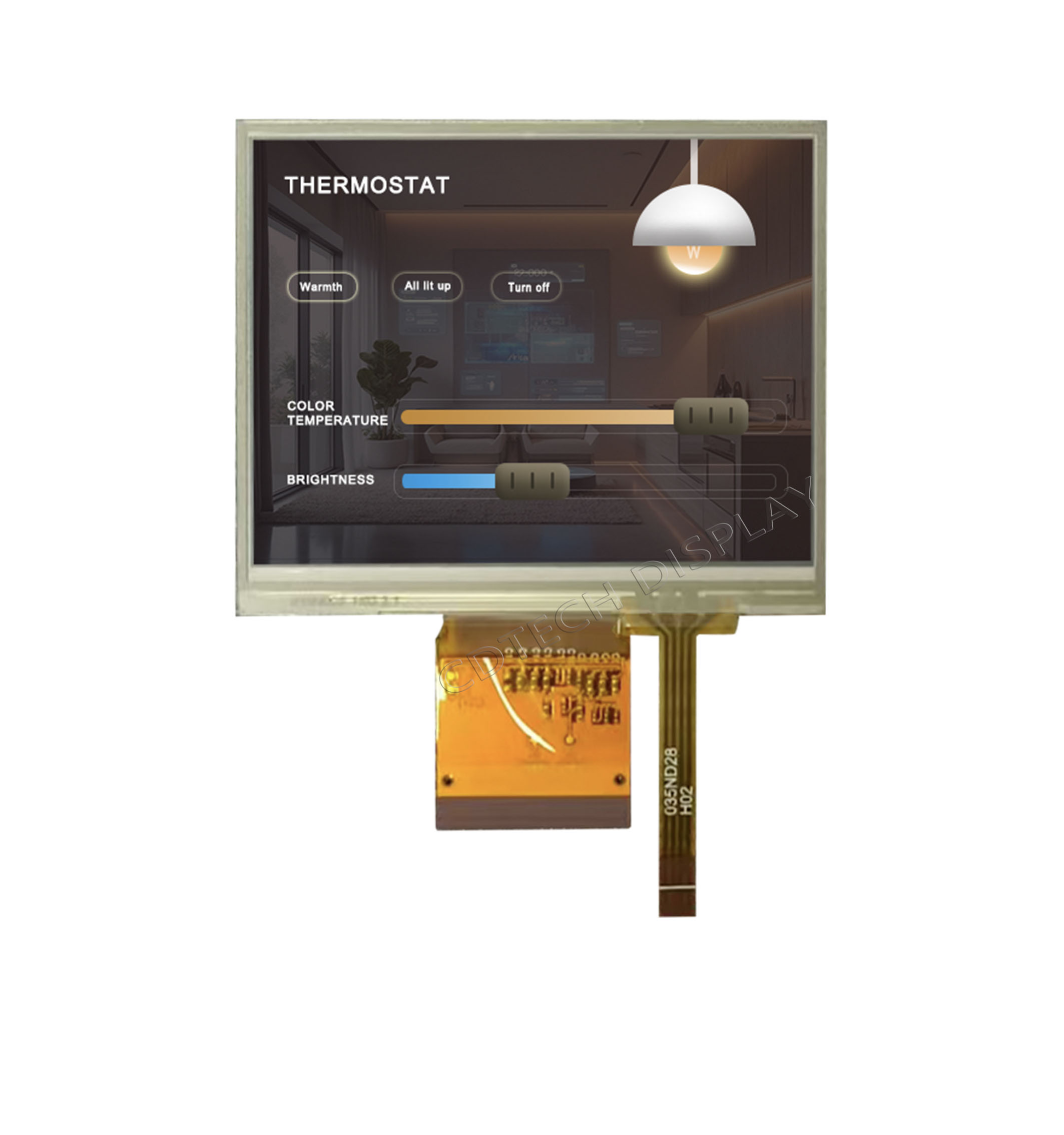
Troubleshoot ghost touches by reducing sensitivity in 5% steps; fix drift with auto-recalibration and logging; resolve multi-touch issues via debounce tweaks; prevent version mismatches using ERP traceability. CDTech’s QR system ensures consistent firmware across batches like S035HQ55EN-FC37.
Conclusion
Glove-mode firmware calibration transforms capacitive touch for gloved industrial use via software sensitivity boosts, avoiding hardware overhauls. CDTech excels with vertical integration, patented 2nd Cutting for custom LCDs (e.g., bar-type S123BWU11EP-FC19-AF-HDMI09-A), quad certifications (ISO9001/IATF16949/ISO14001/ISO13485), and proven scale ($30M+ sales, 1,000+ customers). Contact sales@cdtech-lcd.com or visit cdtech-display.com for tailored solutions.
FAQs
Do I need to replace my capacitive touch panel to enable glove mode?
No. Glove mode is a firmware feature; it increases sensitivity thresholds without hardware changes. CDTech’s PCAP modules are firmware-ready, so you configure glove mode via software calibration during integration or after deployment via OTA updates.
What’s the difference between glove mode and high-sensitivity mode in firmware?
Glove mode applies compensated sensitivity tuning specifically for insulating materials (gloves), including multi-material profiles. High-sensitivity mode is a general firmware setting that increases all touch detection thresholds uniformly. CDTech’s firmware allows independent tuning of both parameters for fine-grained industrial optimization.
Can CDTech pre-configure glove-mode firmware for my custom LCD size?
Yes. CDTech’s vertical integration includes in-house firmware development. Using our patented 2nd Cutting technology, we design custom LCD panels (2.9″–12.3″ bar displays, 391+ SKUs) with pre-validated glove-mode calibration tailored to your specifications and environmental range (-20°C to +70°C or -30°C to +85°C).
How do I verify that my glove-mode firmware calibration meets industry standards?
Conduct multi-point touch accuracy tests across your target glove materials and environmental conditions (temperature, humidity, contamination). CDTech’s IATF16949/ISO13485-certified process includes firmware validation reports per product batch. We support third-party audits and provide firmware release notes documenting all calibration parameters.
What’s the typical lead time for custom glove-mode firmware development on a new CDTech display module?
2–4 weeks for standard configurations; 4–8 weeks for novel glove materials or extreme temperature ranges (-30°C to +85°C). CDTech’s embedded firmware team works in parallel with LCD/CTP manufacturing to minimize schedule impact. Early design-phase engagement accelerates time-to-market.
Post Search
Related Articles
-

Capacitive vs Resistive Touch Screen Car Stereo: Which Is Right for You?
-

TN LCD vs IPS LCD: How to Choose the Right Display for You
-

Capacitive Touch Panel or Resistive: Which Suits Your Needs?
-

Why Choose an IPS LCD Panel for Your Next Screen Purchase?
-

CDTECH to Showcase Cutting-Edge Display Solutions at SID 2025
-

Comparing Different Types of Displays in Cars: A Detailed Overview
-

White Spots on LCD Screen: Causes, Fixes & Industrial Solutions (2026 Guide)