

InCell LCD Display Technology: Advantages and Applications in Industrial Displays
 2026-10-22
  11:00
11:00 

What Is an InCell LCD Display, and What Does In-Cell Integration Change?
How does an InCell LCD display integrate touch sensing?
The term InCell LCD display refers to a structure where touch sensors are embedded within the display, as part of the same LCD layers, as opposed to a completely separate touch surface on top. There are many variations within this category. Few layers make for a better optical path and less front height. Each InCell design has its own way of construction, calibration and even manufacturing, so don’t rely solely on the name. For a more detailed explanation of the technology, see our guide on In-Cell touch display technology, including its structure, operating principles, and TFT LCD applications.
The industrial team would typically investigate where the sensing electrodes are located, how the touch controller communicates with the host, and how the stack is protected by the cover glass. Also, does it support gloves, water, cleaning agents, or a stylus?
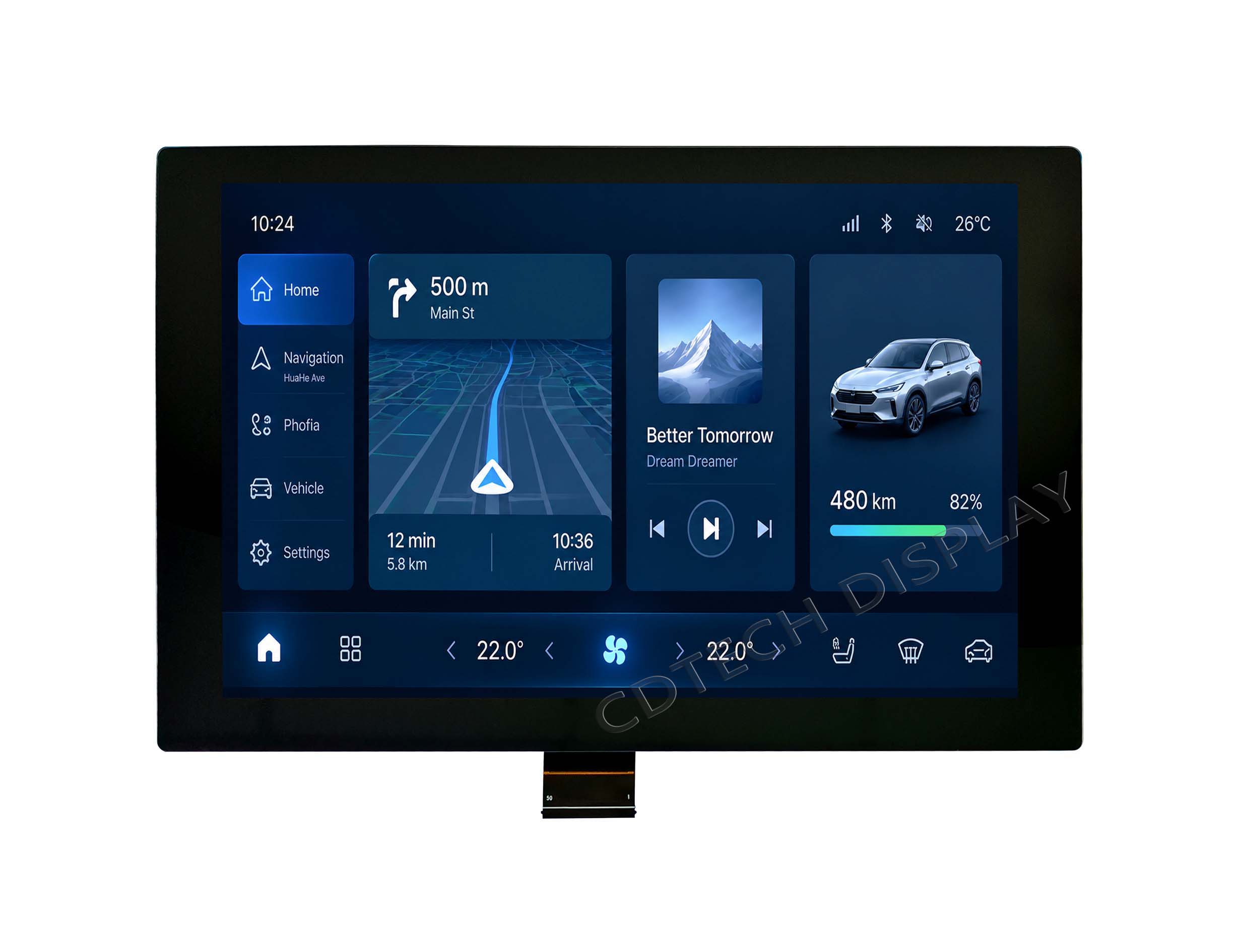
How is InCell different from a separate PCAP-on-LCD stack?
For conventional PCAP-on-LCD assemblies, the touch surface is a separate component which needs to be aligned with the LCD and thereafter bonded and connected to it. InCell touch surface constructions integrate touch surface sensing into the display stack. Optical layers and assembly steps may change but do not necessarily translate into more reliable, less expensive or easier-to-service products.
For an OEM, compare the controller, sensor pattern, cover-glass thickness, bonding, FPC routing, electromagnetic behavior, and environmental test plan. A separate PCAP stack may offer more configuration choices, while an integrated approach may suit a tightly constrained front stack.
What Advantages Can In-Cell Integration Offer in Industrial Design?
Can a thinner optical stack simplify enclosure design?
An in-cell LCD display can save a design team from having to work with many separate front layers or to dedicate too much space to mechanical parts. The shorter optical path also enables a clean front surface. However, this benefit must be measured on the assembled display and not solely on the name of the technology. The cover glass, the adhesive, the air gaps, the polarizers and the LCD structure itself all play a role here.
Thinness is a virtue when building instruments such as handhelds, small control panels or very narrow bezel equipment. But a thin stack has many needs that require very tight process control: stress, contamination, optical uniformity, touch noise, repairability, etc.
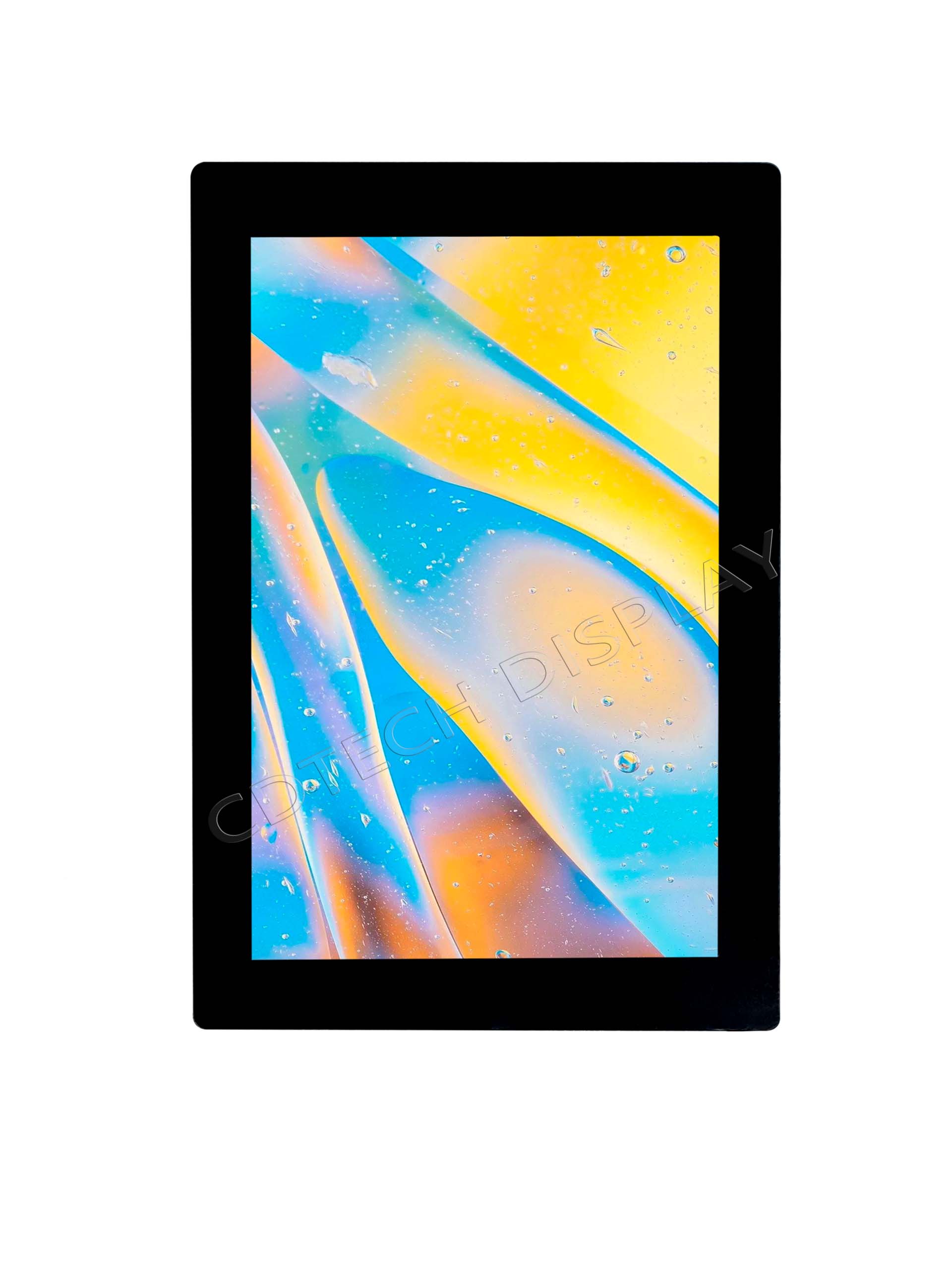
What reliability and manufacturing questions remain?
An integrated stack still needs evidence for touch calibration, bonding quality, contamination control, thermal cycling, vibration, cleaning, EMC performance, ESD protection, and long-term operation. A display that performs well on a bench may respond differently after the cover glass, enclosure, grounding scheme, and protective coating are added. Industrial approval should therefore treat the proposed benefit as a qualification hypothesis until the complete assembly passes the required tests.
Also, ask about the repair of the front surface in case of damage, the supply of spare parts, and whether the controller can be set up for the final housing.
IPS LCD vs InCell: How Should Buyers Compare Them?
What does IPS LCD vs InCell actually compare?
The term IPS LCD vs InCell refers to two different characteristics. While the term IPS describes the optical characteristics of the liquid-crystal display, InCell describes the position or integration of the touch-sensing surface. This means that a display could use an IPS optical mode and have an integrated touch surface at the same time. Thus, the two terms must not be confused and must be carefully distinguished from the interface, cover-glass and environmental requirements.
A better comparison between optical modes would be to first assess whether the chosen optical mode delivers the desired viewing angle, contrast, brightness and color. Subsequently, it must also be assessed whether the chosen touch construction is sufficient for the required user input and operational conditions.
|
Comparison Factor |
IPS LCD |
InCell LCD Display |
|---|---|---|
|
Technology Focus |
LCD optical mode |
Integrated touch-sensing structure |
|
Main Function |
Provides wide viewing angles and consistent color |
Integrates touch sensing within the LCD cell |
|
Touch Integration |
Can use separate or integrated touch solutions |
Touch sensors are embedded within the LCD structure |
|
Module Thickness |
Depends on the complete display and touch stack |
Can reduce thickness by eliminating separate touch layers |
|
Optical Performance |
Focuses on viewing angle, contrast, and color |
Depends on the underlying LCD optical mode |
|
Industrial Considerations |
Brightness, temperature, and viewing requirements |
EMC, glove touch, cover glass thickness, and ESD validation |
|
Typical Applications |
Industrial HMIs, control panels, and monitoring equipment |
Compact HMIs, handheld devices, and integrated control panels |
How does InCell vs IPS become a practical specification?
The phrase InCell vs IPS becomes useful when it is converted into a comparison matrix. Start with the optical requirement: viewing angle, luminance, resolution, and ambient-light conditions. Next, define touch construction, controller, interface, cover glass, bonding, glove or water operation, and mechanical limits. Finally, define temperature, vibration, cleaning, electromagnetic constraints, service expectations, and validation samples.
This sequence does not let a buyer select an IPS panel for viewing and then assume that the touch layer, the interface or even the environmental performance is fine. It allows comparison of an integrated system with an equally engineered conventional PCAP assembly.
How Should Engineers Qualify an Integrated LCD Touch Display for Industrial Use?
Which optical, touch, and interface fields should be frozen?
Record details for the design review of the active area, dimensions, resolution, brightness, viewing angle, LCD interface, touch face, controller, FPC connectors, panel connectors, cover glass, cover glass thickness, surface finish and bonding method. Determine if touch must work through industrial gloves (Glove Touch), in wet conditions, or with thick cover glass (Cover Glass Thickness), and verify the supported glove material and glass thickness. Set a noise tolerance for host electronics.
The term InCell LCD display should not be used to replace these fields. The term is used to describe a type of construction and should be compared against other candidates using the same set of electrical, mechanical, optical and environmental fields.
How do temperature, contamination, and service conditions affect approval?
Displays used industrially are exposed to temperatures, cold and flexure, to dust, to cleaning agents and to sunlight. This affects all components of the display: the LCD, the touch sensor, the adhesives, the cover glass, the FPC and the display controller. For robustness tests, a sample is integrated into the respective housing and equipped with the respective grounding, cable fixing, protective glass and display software.
Define the test plan’s acceptance criteria before receiving the samples. Temperatures or high-brightness testing must be correlated with a verified model and not solely with an InCell label. EMC interference and ESD immunity should also be evaluated at the system level to confirm stable touch operation under industrial electrical conditions.
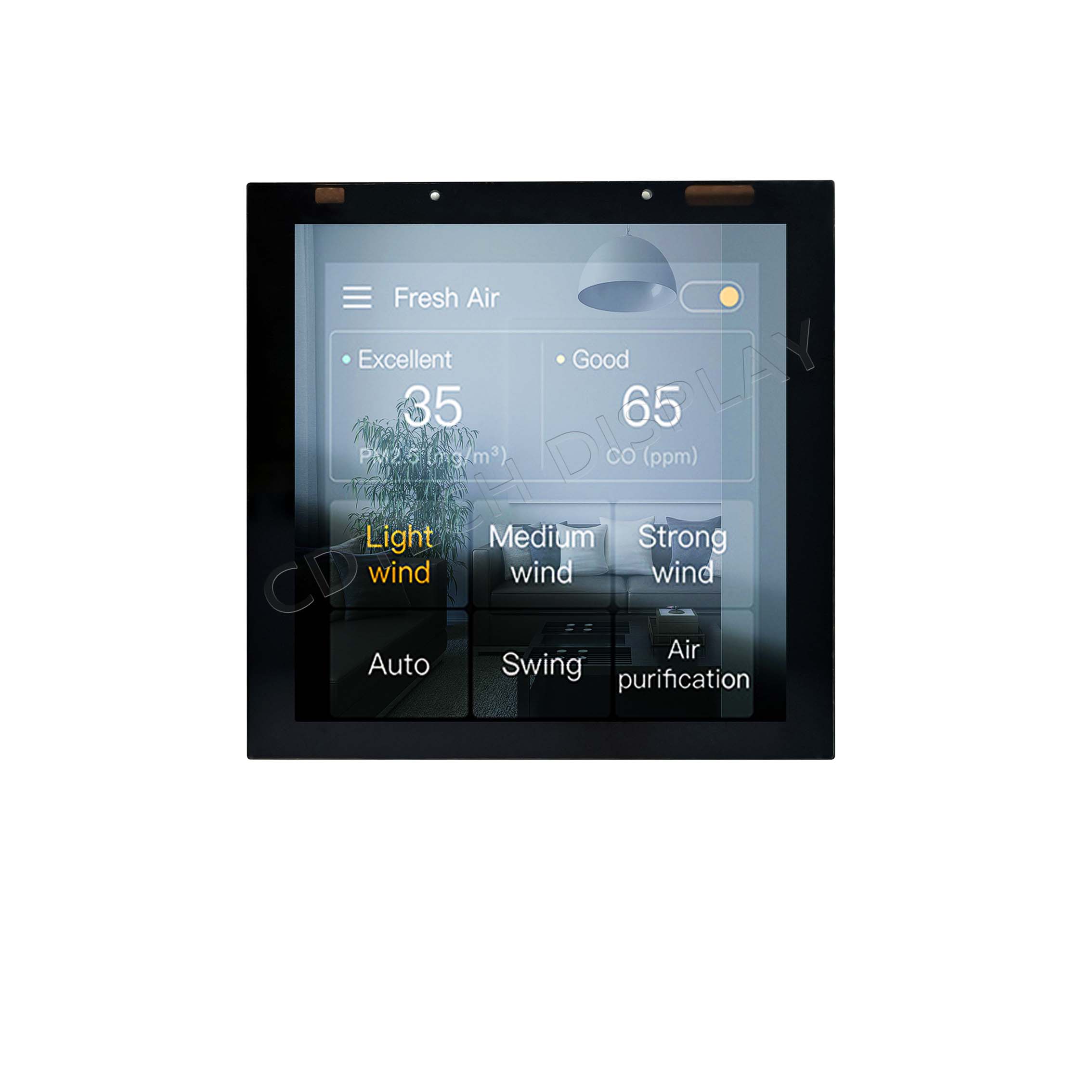
How CDTech Supports Industrial LCD and Touch Integration
Which CDTech industrial LCD example supports a clear comparison?
This is a verified adjacent reference to an industrial LCD and capacitive touch assembly, not an unverified InCell product claim. The record shows how a buyer can evaluate a complete module using measurable fields. CDTech’s Model S101HWX34ED-DC29 is a 10.1-inch IPS LCD with 1280×800 resolution at 800 nits, with an LVDS interface for the LCD and USB for touch. Operating temperature is -20°C to +70°C.
How can we customize the touch and mechanical specifications?
The cover glass can be of different shapes and thicknesses and made of different materials. Thick glass touch, waterproof touch, glove touch, active and passive stylus, AG/AF/AR/3A processing, UV stability, customer-specific CTP FPC, bonding, USB or IIC touch interfaces can also be discussed. For the LCD size, FPC bending, backlight, and validation conditions of the OEM, we can also provide information. If an InCell LCD display construction is required, a model-specific technical record has to be created and offered as a special configuration first.
FAQ
Q: Is IPS LCD vs InCell a direct technology comparison?
A: No. “IPS” refers to an LCD panel mode, whereas “InCell” refers to touch integration. Useful comparisons would detail the optical architecture as well as the associated touch and display stack.
Q: What should an InCell vs IPS comparison include?
A: Compare viewing angle, luminance, resolution, touch construction, controller, interfaces, cover glass, adhesion/bonding, operating conditions, customer expectations of service, and test results. Do not confuse these two labels with each other as if they described the same layer.
Q: Can CDTech verify an InCell LCD display for my project?
A: Review the documented requirements for LCDs and touch screens and identify which of those requirements are supported by CDTech configurations. Verify any claims of InCell against a specific model number or technical document and only include in released specifications that are verified.
Post Search
Related Articles
-

Capacitive vs Resistive Touch Screen Car Stereo: Which Is Right for You?
-

TN LCD vs IPS LCD: How to Choose the Right Display for You
-

Capacitive Touch Panel or Resistive: Which Suits Your Needs?
-

Why Choose an IPS LCD Panel for Your Next Screen Purchase?
-

CDTECH to Showcase Cutting-Edge Display Solutions at SID 2025
-

Comparing Different Types of Displays in Cars: A Detailed Overview
-

White Spots on LCD Screen: Causes, Fixes & Industrial Solutions (2026 Guide)