

LCD Display Size Guide: How to Select the Right Screen Size for Industrial Applications
 2026-10-29
  11:00
11:00 

Selecting an industrial display based solely on its diagonal measurement carries heavy risks. The LCD size in inches merely indicates the diagonal span of the visible screen. It does not explain the enclosure opening at all. Moreover, this simple number overlooks data density and viewing distance. It also skips over brightness levels, the touch stack, the interface, and the working temperature. Thus, your decision needs to start with the real operator and the machine itself. You must avoid just grabbing the largest panel that fits inside the open gap. This guide changes industrial LCD display size selection into a very hands-on task. First, you will set the mechanical boundaries. Then, you will align the screen shape with your interface. Lastly, you must check all optical and environmental limits.
What Does LCD Size in Inches Actually Mean?
How Are Diagonal Size, Active Area, and Outline Dimensions Different?
How Should Viewing Distance and UI Content Influence Screen Size?
The ideal screen size largely depends on what users need to seem and do. It might be a handheld tool displaying 5 digits on an LCD panel. For example, the operator interface viewed from a distance of a few feet may require larger text. It might also need fewer buttons on each page. You must also think about touch target dimensions, glove support, and alarm clarity. Screen size and viewing distance require joint evaluation. This combined check ensures that data stays highly readable and buttons remain simple to press. You should test sample UI screens at the planned viewing distance before you finish the enclosure design.
Which Factors Drive Industrial LCD Display Size Selection?
You must compare screen shape, resolution, orientation, and mounting room after you set the mechanical limits and operator spot. These specific details usually cut down the possible formats much quicker than the diagonal size alone.
Square Display vs. Widescreen Display for Equipment: Which Fits the UI?
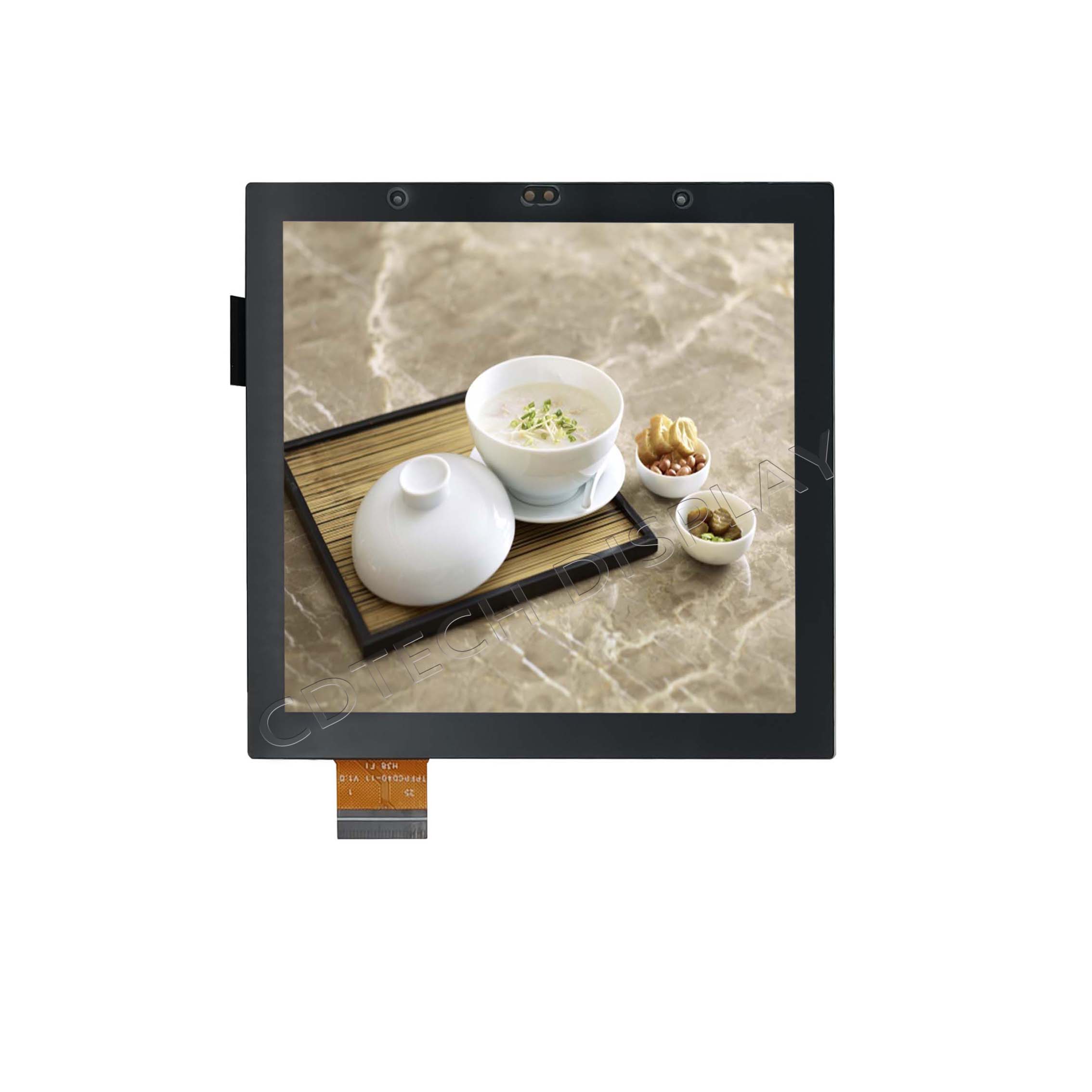
A square LCD display often fits perfectly into a tight control panel. It also works great with a center-mounted knob or a block of status tiles. A widescreen display normally proves more helpful for displaying trends, timelines, and menu bars. It also handles two side-by-side data zones very well. Neither shape is naturally superior. Your final pick must rely on content order, enclosure shape, and operator tasks. The UI layout must always take the lead over simple looks.
Where Does a 7-inch TFT LCD Display Fit?
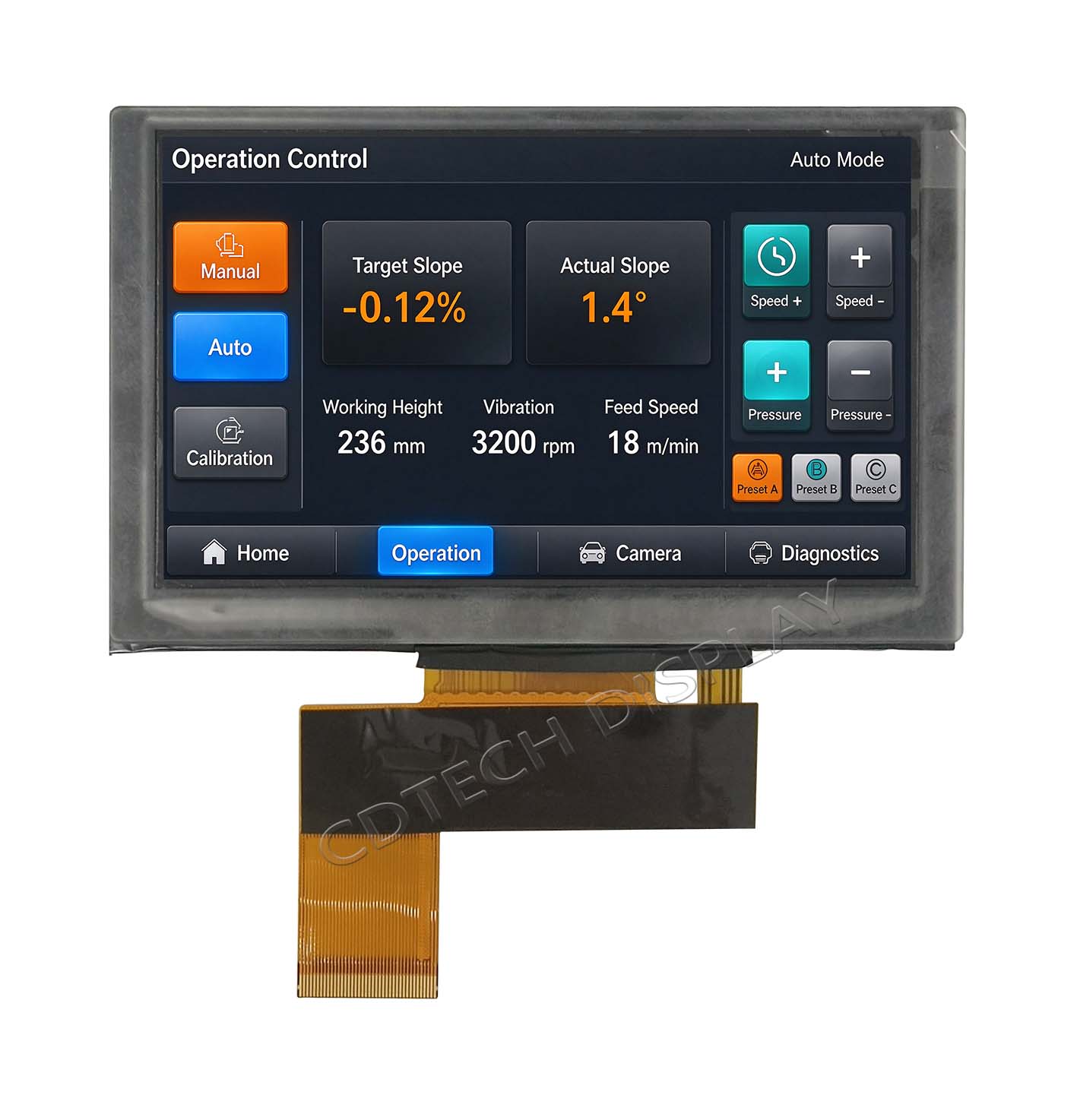
The 7-inch TFT LCD display acts as a solid starting point for industrial terminals and dashboards. It gives you a much bigger interface area than a small handheld unit housed in plastic. However, 7 inches does not represent a complete specification. Ready-to-use modules include resolutions like 800×480 and 1024×600. They also feature various panel modes, touch choices, and RGB or LVDS interfaces. You must still verify the chosen LCD size in inches against the UI and the main electronics. You must also check it against the mechanical drawing and the actual viewing conditions.
How Should the Operating Environment Change the Display Choice?
How Should Buyers Specify a High-Brightness Outdoor Display?
A high-brightness outdoor display requires much more than just a massive nit number. Ambient light, the glare on front-glass surface, contrast and viewing angle have an effect in whether users see screen well. Cover glass, optical bonding as well backlight power and heat removal are also incredibly important. The proven 7.0-inch IPS configuration provides a capacitive touch and up to1500-nits luminance. It also uses LVDS and OCA optical bonding. Meanwhile, a 7.5-inch square IPS configuration yields 1000-nit luminance. These numbers act as model-specific guides rather than strict outdoor rules. You must test the entire display unit under the actual light and enclosure conditions.
When Is a Sunlight-Readable Display for Outdoor Use the Better Choice?
So, selecting a sunlight-readable outdoor display is an ideal. This holds true when operators require reading through critical factors under the open sky. It also comes in handy with a really short direct sun instance. Another thing that you need to keep in mind is the screen viewing angles. On one hand, you need to keep in mind how polarized sunglasses impact visibility. Surface coatings and bonding methods play a big role. The glass on the enclosure window is just as important. These factors combine to form a complex design task. It is especially tough for outdoor industrial control panels that use a sunlight-readable display. Warning signals and touch buttons have to stay visible. They must be easy to see from every angle. Testing an isolated screen is not enough. You always need to evaluate the display after it is installed inside the finished equipment.
How Do Wide-Temperature Operation and Service-Life Requirements Affect the Module?
How Can CDTech Support Industrial LCD Display Size Selection?
Which Verified Module Examples Show Different Size and Shape Trade-Offs?
Different display setups offer unique trade-offs. These involve size, resolution, and brightness. Interface types and working temperatures matter too. Take a 4.0-inch square IPS module as an example. It features a 480 × 480 resolution. This screen adds a MIPI interface. It also supports capacitive touch. A second 4.0-inch square IPS module delivers a 600 × 600 resolution. It offers 900-nit luminance. Yet, this specific model does not have touch capabilities. Meanwhile, a 7.0-inch TN module gives an 800 × 480 resolution. Its brightness reaches up to 1000-nit luminance. This unit relies on an LVDS interface. It handles an operating temperature range of -30°C to +85°C. Optical bonding is still an option for certain screen configurations. These are only some of the myriad design directions that are available to us. The best option really comes down to your specific project objectives. Those include mechanical, visual, electrical and environmental goals.
What Should an OEM Include in a Display Requirement Brief?
FAQ
Q: Is a Larger Industrial LCD Always Easier to Read?
Q: How Do I Measure LCD Size in Inches?
A: LCD size means the diagonal length of the active display area. It does not measure the whole module or the top cover glass. You must look at the module drawing to check the active-area width and height. This drawing also shows the full outline dimensions and the module thickness. It points out connector spots and needed mounting gaps as well.
Q: What Screen Shape Works Best for an Industrial Control Panel?
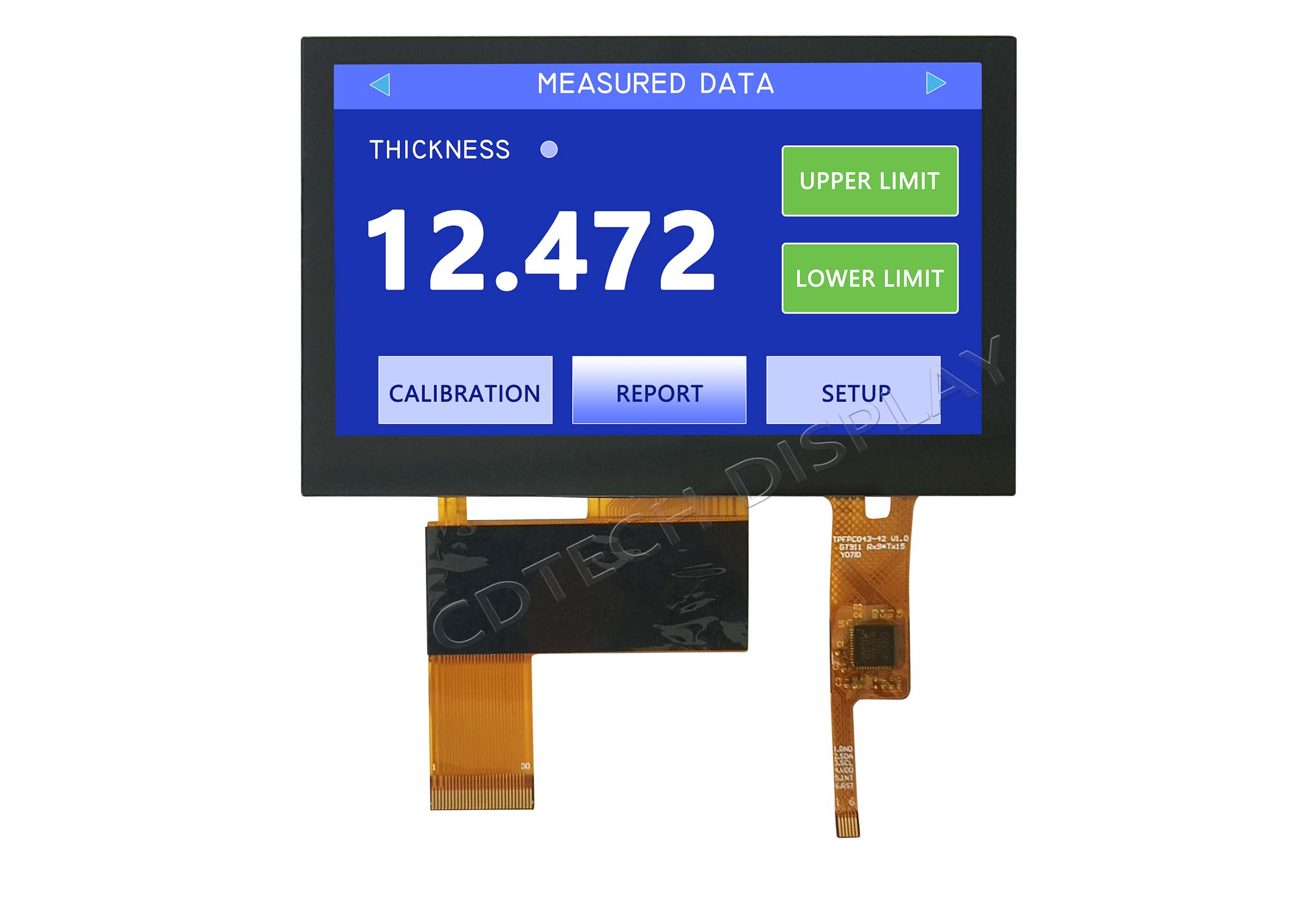
A: Select the screen format that properly matches your equipment enclosure. It should also fit your information layout well. A square LCD display often works best for simple numbers. It is also highly useful for controls placed in the center. In contrast, a widescreen display handles trend charts much better. This wider option is ideal for showing different data side by side. Always check the UI layout first. You must also verify the physical fit. Be sure to complete these checks before you finalize your choice.
Post Search
Related Articles
-

Capacitive vs Resistive Touch Screen Car Stereo: Which Is Right for You?
-

TN LCD vs IPS LCD: How to Choose the Right Display for You
-

Capacitive Touch Panel or Resistive: Which Suits Your Needs?
-

Why Choose an IPS LCD Panel for Your Next Screen Purchase?
-

CDTECH to Showcase Cutting-Edge Display Solutions at SID 2025
-

Comparing Different Types of Displays in Cars: A Detailed Overview
-

White Spots on LCD Screen: Causes, Fixes & Industrial Solutions (2026 Guide)