How to Choose the Right 7 Inch LCD Touch Screen: Key Specifications
 2026-08-21
  10:00
10:00 

A 7-inch LCD touch screen should be selected as a complete display subsystem, not by diagonal size alone. Resolution, orientation, panel mode, luminance, LCD interface, touch controller, bonding, cover glass, mechanical outline, and operating temperature all affect integration. For OEM buyers, an attractive sample is not enough: the module must fit the enclosure, communicate with the host, remain readable in the target light, and support the intended operator. A disciplined specification review can reduce redesign work before tooling and volume production.
Which Display Specifications Matter First in a 7 Inch Module?
How should resolution and orientation match the user interface?
7-inch modules are available in several pixel formats. An 800×480 landscape display can suit straightforward controls, menus, and video-oriented layouts. A 1024×600 panel provides more room for detailed graphics and multi-zone interfaces. Portrait options such as 800×1280 can fit handheld terminals, vertical controllers, or space-constrained equipment. The best choice follows the interface design and viewing distance, not the highest number on a data sheet.
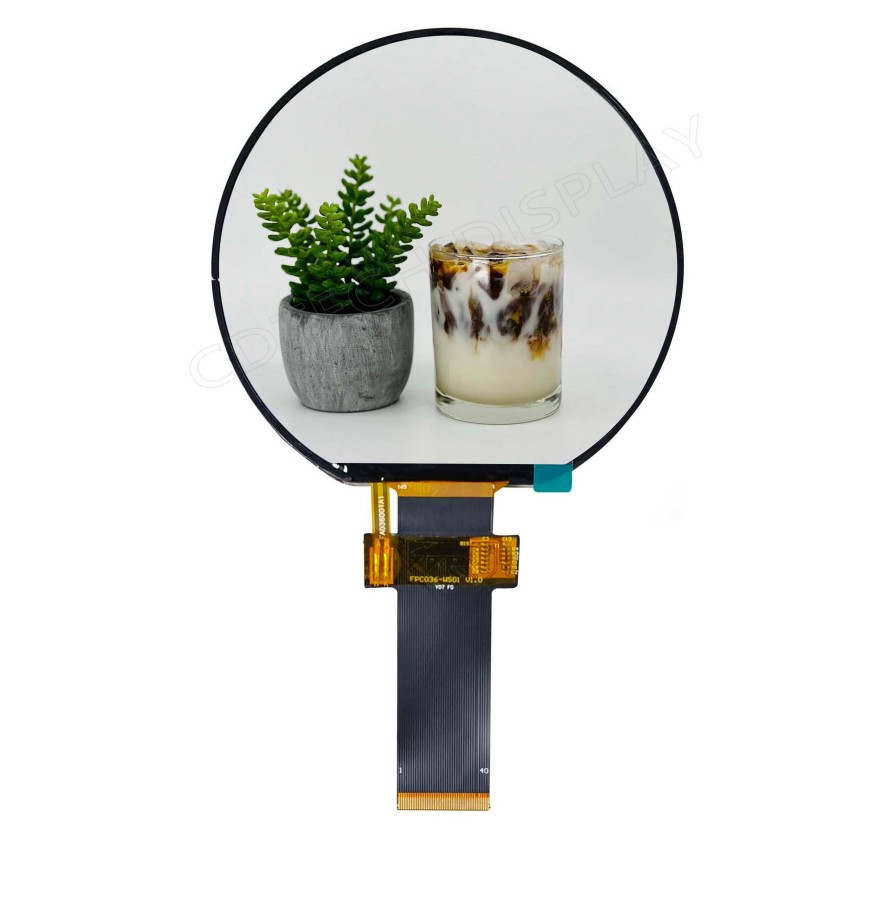
Teams should create screens at the native resolution and test the smallest text, icons, warnings, and touch targets. Scaling from another aspect ratio can soften text or distort controls. A 7-inch TFT display should also be checked for active area, bezel position, and orientation before the PCB and enclosure are frozen. A 7-inch TFT screen with the right resolution can still fail mechanically if the outline or FPC direction does not match the product.
When do IPS, TN, luminance, and viewing angle change the choice?
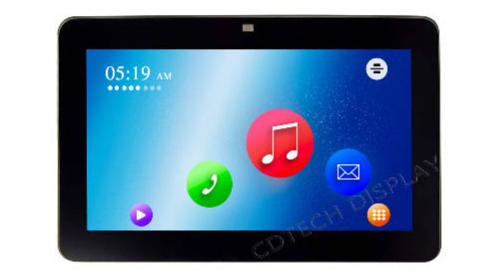
Panel mode affects how the image behaves away from the center. IPS is useful when several operators may view the display or when the installation angle varies. TN can remain suitable when the viewing direction is defined, and the project values a simpler configuration. Model-specific viewing-angle and contrast data should be reviewed rather than generalized across a product family.
Luminance should match ambient light and the optical stack. Verified 7-inch examples range from moderate indoor output to high-brightness modules for demanding conditions. More light can improve visibility, but backlight power, heat, dimming, cover-glass reflections, and duty cycle also need attention. Sample approval should reproduce the target enclosure and lighting.
How Should LCD, Touch and Host Interfaces Be Matched?
What does a 7-inch MIPI display require from the host?
A 7-inch MIPI display requires a host that can supply the correct DSI configuration, timing, resolution, voltage, connector pinout, and initialization sequence for the exact module. The term MIPI does not establish lane count, data rate, driver support, or touch capability. Those details must come from the model specification and host processor documentation.
Firmware work should begin before the mechanical design is locked. Engineers should confirm reset and power sequencing, display timing, orientation, color format, sleep behavior, and backlight control. Where the existing host uses RGB or LVDS, a different module or a verified conversion approach may be needed. Assuming interface compatibility from the connector shape creates avoidable risk.
Why must the touch controller and LCD interface be specified separately?
The LCD and touch panel are separate signal paths even when supplied as one assembly. A 7-inch LCD may receive image data through RGB, LVDS, or MIPI, while the capacitive touch controller communicates through I2C or USB. A verified 800×480 example combines an RGB LCD path with an I2C touch path and a dedicated touch controller.
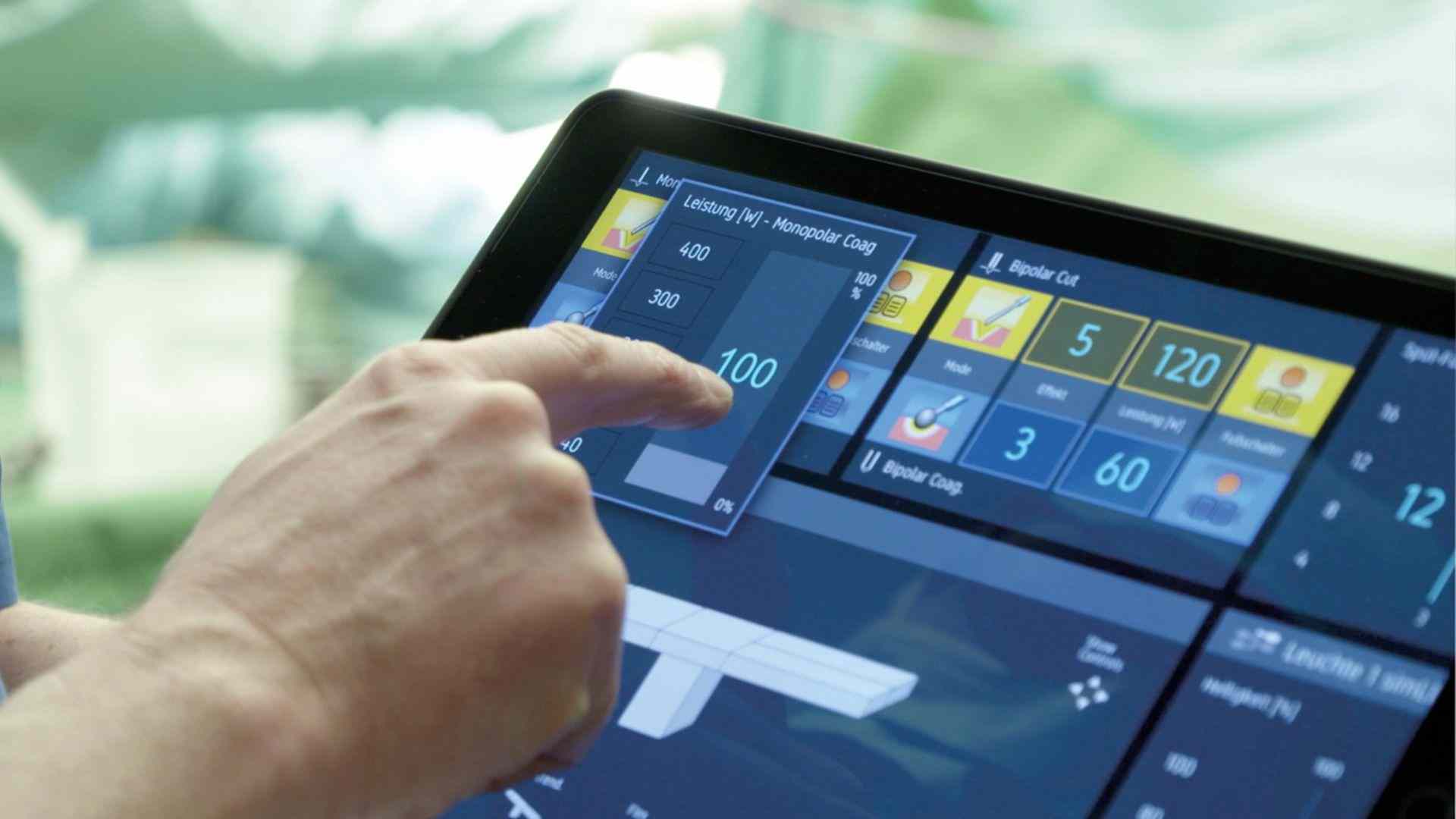
For a 7-inch TFT touch screen, buyers should state the required touch points, controller, cover-glass thickness, glove or water behavior, interrupt method, operating system, and calibration process. Electrical noise from the host or power system should be tested on the assembled device. Touch accuracy on an open bench does not prove stable operation behind the final cover lens.
What Mechanical, Optical and Environmental Details Prevent Integration Failure?
How should active area, outline dimensions, and FPC routing be checked?
The 7-inch diagonal describes the panel class, not the full mechanical envelope. Active area, outer dimensions, thickness, bezel, mounting features, connector location, and FPC bend radius can vary among modules with the same diagonal. Engineers should overlay the supplier drawing on the enclosure and PCB model, then check tolerance around the visible opening and mounting points.
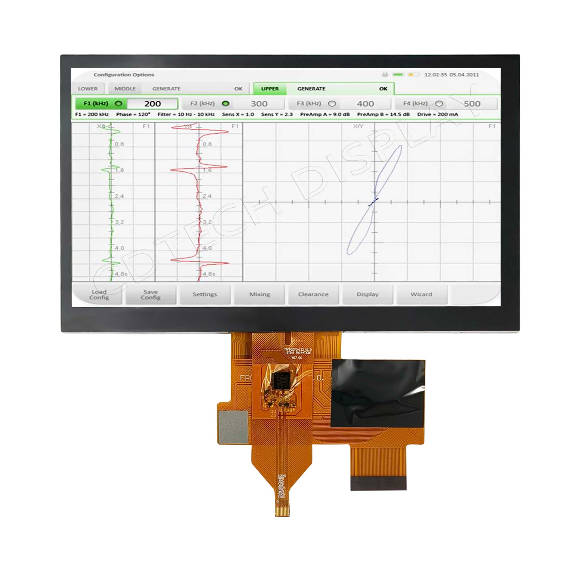
FPC direction and connector retention deserve early attention. A cable that fits a prototype may be stressed after repeated assembly or vibration. Pin assignment, connector pitch, mating part, cable length, shielding, and grounding should be included in the interface review. Mechanical approval should use a controlled drawing revision.
Which bonding, cover-glass, and operating tests should be requested?
Air bonding can provide a practical optical stack with simpler service considerations. Optical bonding reduces the internal air gap and can improve perceived contrast by limiting internal reflections, but process control and repair planning become more important. The decision should consider ambient light, impact risk, dust control, thickness, yield, and service strategy.
Cover glass may need a printed border, surface treatment, strength target, or tuned touch sensitivity. Environmental validation should reflect the final application and can include temperature cycling, humidity, vibration, ESD, EMI, cleaning agents, gloves, moisture, and repeated operation. Temperature ratings must be verified for the exact module; a related model does not transfer the same qualification automatically.
How Can We Configure a CDTech 7 Inch LCD Touch Screen?
Which verified 7-inch product can start the evaluation?
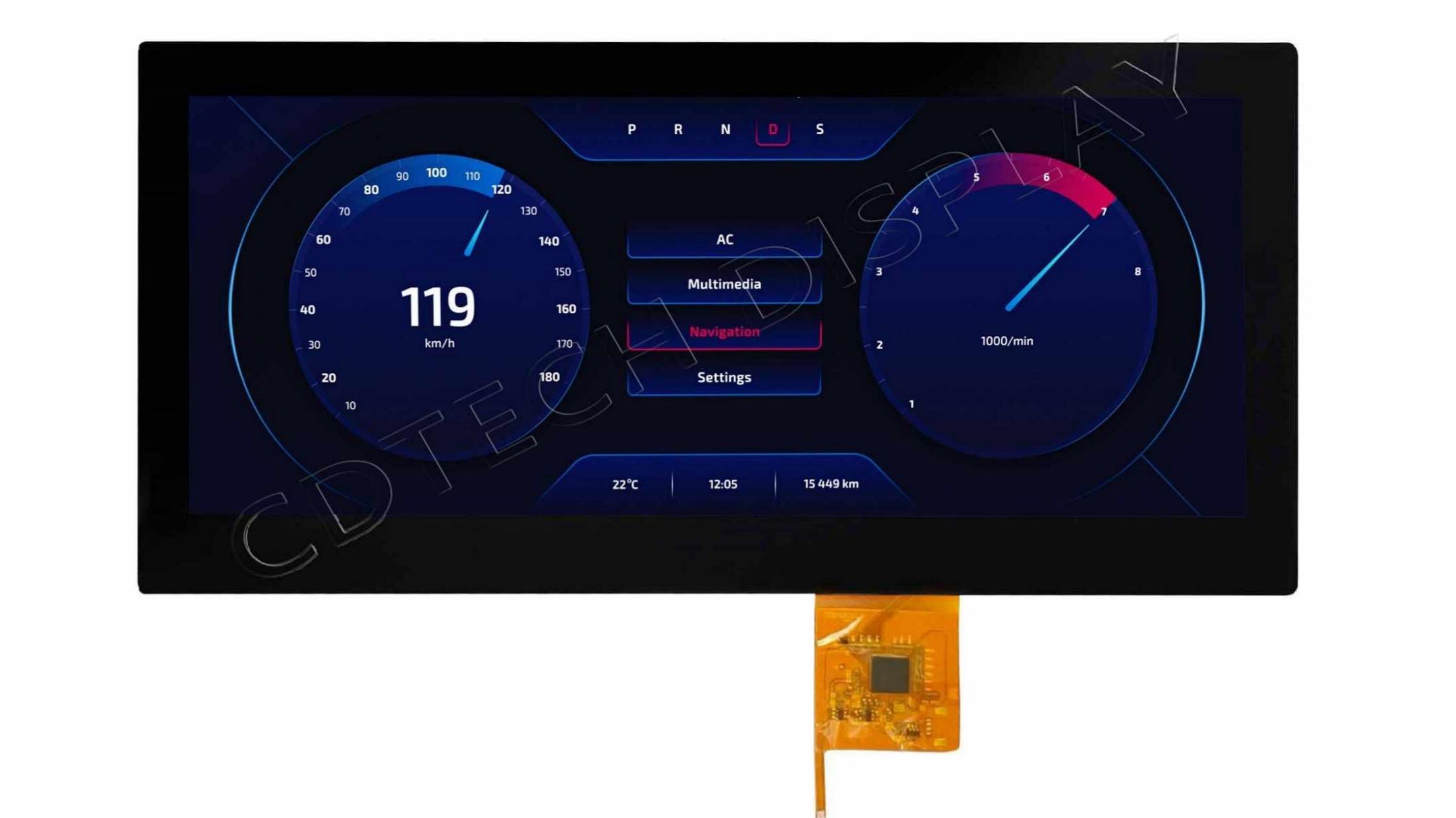
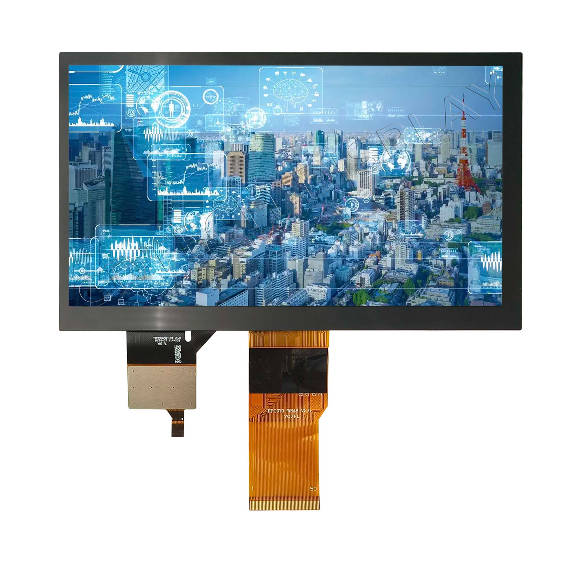
CDTech verified 7.0-inch IPS MIPI TFT display with projected-capacitive touch provides one relevant starting point for high-visibility projects. The website product page identifies a 1000-nit configuration with PCAP, making the module useful for evaluating MIPI integration, touch construction, and a higher-luminance optical requirement. A second verified 7-inch product combines a 1024×600 high-brightness display, MIPI interface, and touch for vehicle-oriented applications.
We would not select either option from the title alone. Our team needs to compare resolution, orientation, interface details, cover lens, optical bonding, temperature, mechanical drawing, and host requirements against the actual device.
What information should an OEM send our engineering team?
Our review is more efficient when the enquiry includes the enclosure drawing, active-area target, resolution and orientation, host processor, preferred LCD and touch interfaces, connector constraints, luminance, cover-glass artwork, bonding preference, operating environment, sample schedule, and annual demand. We can then evaluate an existing 7-inch LCD touch screen or a documented customization route.
FAQ
Q: Is a 7-inch MIPI display always a touch screen?
A: No. MIPI describes the LCD data interface, not touch capability. Verified 7-inch MIPI products include both touch and non-touch configurations. The touch sensor, controller, interface, and cover lens must be specified separately.
Q: Which resolution is best for a 7-inch TFT display?
A: There is no universal best resolution. An 800×480, 1024×600, or portrait-format module can each be appropriate depending on content density, aspect ratio, viewing distance, host capability, and enclosure geometry.
Q: What should be tested before approving a 7-inch TFT touch screen?
A: Test the mechanical fit, native-resolution content, LCD timing, touch accuracy, cover lens, bonding, luminance, dimming, temperature behavior, ESD, EMI, moisture or glove requirements, and cable retention in the assembled device.