
1280×720 TFT LCD Display: HD Resolution Features, Interfaces and Industrial Applications
 2026-11-20
 11:00


“1280 by 720” describes a grid. It is not yet a display specification. Someone searching for monitor 1280×720 still needs to know what comes from the host, how touch is connected, where the cable exits and what the enclosure allows. Brightness, viewing angle and temperature have not been answered either. In this guide, 1280×720 TFT LCD display and 1280×720 TFT LCD display mean the same pixel format. Everything around that grid must still be checked.
The pixel grid is only a starting point
The label gives a horizontal and vertical count. It leaves physical size open, and with it pixel density. Brightness and touch are still unknown. So is the assembly boundary: bare panel, embedded module or finished monitor? Put those answers beside the resolution before requesting a comparison.
Will the 16:9 canvas suit the production page?
Wide status pages, video and control layouts can make good use of 16:9. A layout drawing will not show whether the smallest label is comfortable to read. Load a working page instead, leave its production font unchanged and walk back to the normal operating position. If an alarm is hard to recognise there, 1280×720 resolution has not solved the interface problem.
Where does the module boundary sit?
Ask who supplies the controller, power path, enclosure, video input and user controls. Touch and backlight control may remain on the host side too. Write the answer on the block diagram. It then becomes clear whether a quotation covers an embedded display module or something closer to a complete monitor.
Readability begins outside the pixel matrix
At installation, luminance and contrast meet ambient light and a reflective cover. Viewing mode changes the picture again when the operator moves off-axis. The interface itself has the final say: an alarm must still be recognisable without hesitation.
How do brightness and viewing position interact?
A bright module can still disappoint behind a reflective cover. Its picture may also change from an off-centre seat. This calls for a simple installed test: use the planned cover, recreate the ambient light and look from each normal eye position. A 1280×720 TFT LCD display that passed a bench review can give a different result in that setup.
What is the most revealing test page?
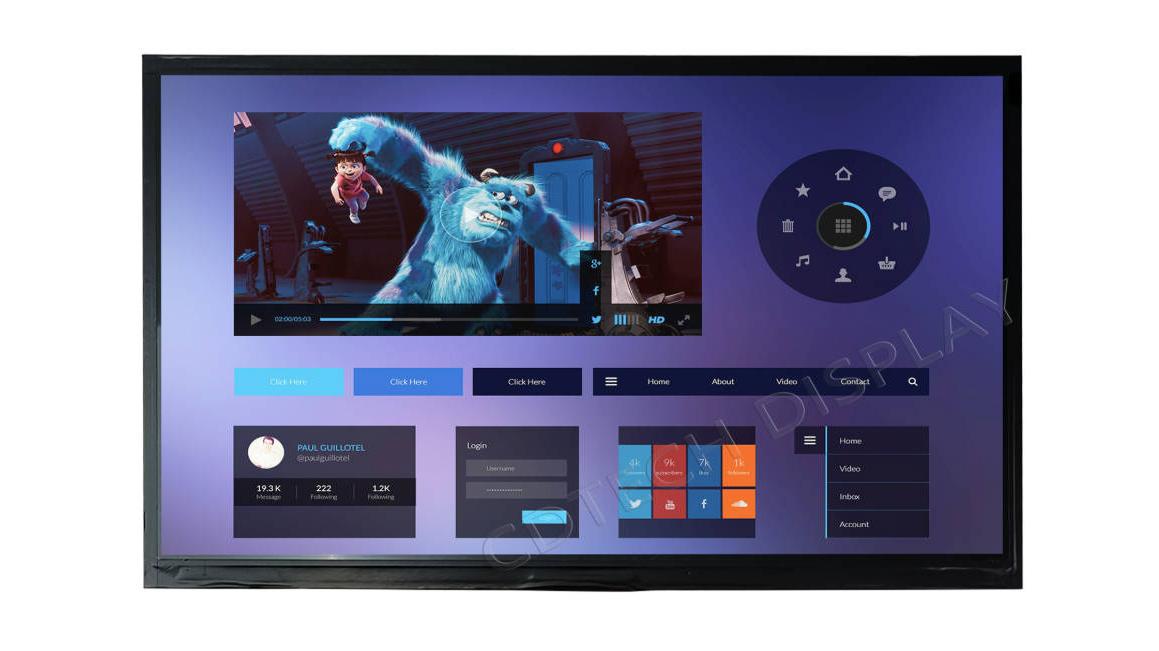
Choose the busiest page that operators use regularly. Show its alarms, trends, icons and data table at the intended scaling. Large status cards might look fine while a service table beside them feels cramped. That mismatch is useful: it points to the page that needs a layout change before hardware is approved.
Checking the 1280×720 TFT display interface
Put the host schematic next to the module drawing. Do the signal types match? Do the timing, pinout and connector match as well? Those answers decide electrical compatibility; a matching pixel count does not.
Where should the host-to-panel check begin?
Work outward from the source. Record its timing and lanes or channels, and then trace the path across the connector, FPC and cable. Do this before applying power. In the same pass, find the backlight drive and note where electromagnetic-compatibility checks are needed. If there is an adapter board, the enclosure needs space for the board, its heat and a technician’s access.
Why do LCD and touch need separate paths?
The documented 10.1-inch example makes the split easy to see. LVDS carries the image to its IPS panel. Touch uses USB or I²C. These are separate paths, so a team must select and support both. Changing a controller, driver or cable can affect startup or input even though the screen continues to show 1280×720 pixels.
Application checks for a 1280×720 TFT LCD display
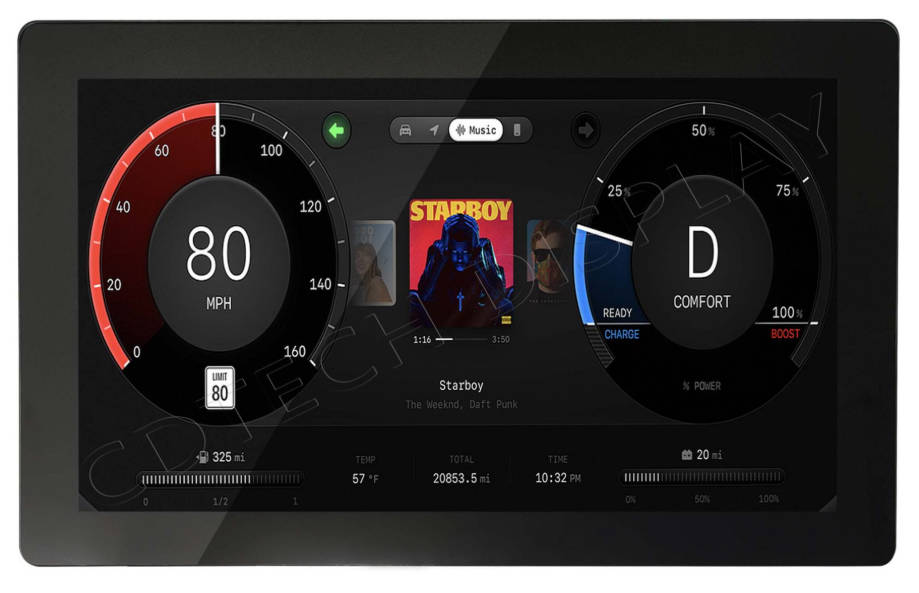
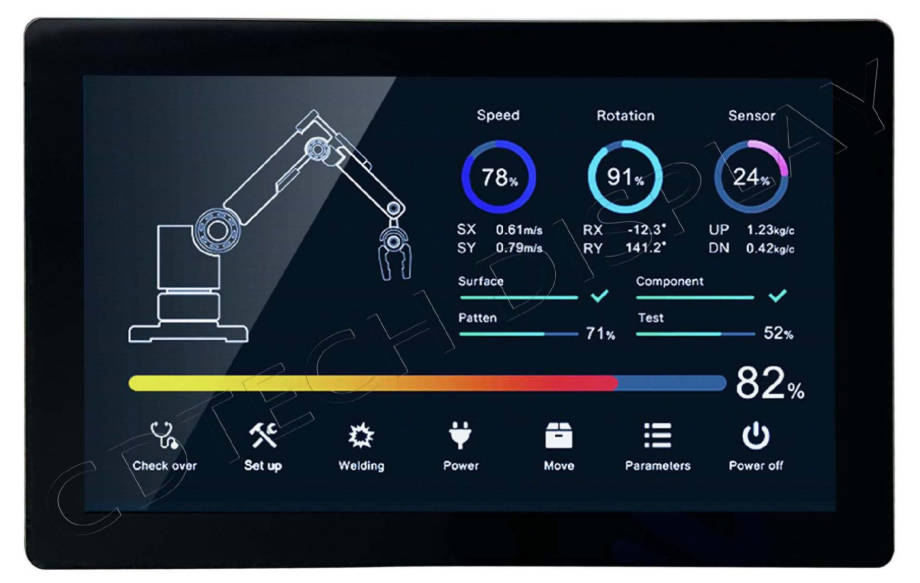
Possible uses include vehicle information interfaces, marine navigation screens, chargers and industrial control panels. A marine screen may be judged under very different light and mounting conditions from an indoor controller. Touch, temperature and enclosure needs differ as well. Treat the application label as the beginning of the selection work, not proof that any module with this resolution will fit.
What should the application brief record?
The application brief should connect the drawing with the electrical path. Active area, outline, thickness and cable direction sit beside luminance, viewing mode, LCD and touch interfaces, temperature profile and duty cycle. Add host timing and a production page. That material shows whether a standard module fits or custom engineering is still needed.
Why test the enclosure with production content?
Desk viewing hides the cover reflection, enclosure heat and installed angle. Run the alarms, maps or control pages after the module is mounted in the final direction. The optical or touch treatment may look different once the cover is in place.
How CDTech reviews a 1280×720 display request
At CDTech, we compare the project requirement with a named model record and the proposed host. One documented example, S101ZWX89FP-FC86, combines IPS, 1280×720, 1500 nits, LVDS, USB/I²C touch and a -20°C to +70°C operating range. Vehicle infotainment, marine navigation, chargers and industrial control are listed application directions for that model. The installed project still has to prove its own fit.
What does the model record help compare?
Size, matrix, luminance, LCD interface, touch path and temperature appear together. We treat those values as belonging to S101ZWX89FP-FC86, not as a promise for every 1280×720 TFT LCD display.
What should an OEM send for review?
Send content, viewing position, resolution, LCD interface, touch path, luminance, temperature, mounting drawing, cable direction and duty cycle. We can then identify where a verified record fits and where custom engineering or sample testing is still needed.
Product names do not always reveal where the supplier’s work ends. On one quotation, the item may be bare glass; on another, an embedded module; on a third, an assembly with an input board. Mark that boundary on each drawing. Beside it, write the power requirement, connector and mounting arrangement. The purchasing team can then compare like with like, while the software team sees which interface remains its responsibility.
Power sequencing belongs in the same exchange. Check normal boot, a restart and a return from standby with the production cable. Record which board drives the backlight and which path carries touch. This small amount of detail prevents a display interface problem from being mistaken for a panel defect.
The active area can fit even when the module cannot. A thick cover adds depth; a mounting point may press where it should not; the connector may open into a wall. Finding one of these conflicts on the drawing is preferable to finding it after tooling.
FAQ
Q: How can a team tell whether 1280×720 resolution is enough?
A: Show the production interface at normal working distance. Labels and alarms should remain clear at the planned luminance and viewing angle, and the host must provide the right timing. The specification table alone cannot answer that question.
Q: Is a 1280×720 TFT LCD display the same thing as a finished monitor?
A: Not necessarily. An embedded display may arrive without an enclosure or input board and may rely on the host for power, backlight control and touch. Confirm the assembly boundary before comparing quotations.
Q: Which files help CDTech review a 1280×720 TFT display interface?
A: Send the host output and its signal path, together with the connector, cable and touch requirements. Our team uses those details to compare the host drawing with the selected model.
Need a 1280×720 TFT LCD display for your project?
Share your target brightness, LCD and touch interface requirements, operating temperature, and mounting details with CDTech. Our team can help you evaluate suitable module options, discuss customization requirements, and determine whether sample testing is needed. Contact CDTech to discuss your project and request a quotation
Post Search
Related Articles
-
4K TFT LCD Display: Features, Interfaces and Industrial Applications
-
What Is I2C Protocol? Working Principles and Applications in TFT LCD Touch Modules
-
Storage Temperature Requirements for TFT LCD Displays
-
WQHD TFT LCD Display: Resolution Selection Guide for Industrial Applications
-
Operating Temperature of Industrial LCD Display: Standards and Selection Guide