The Ultimate Touch Screen Panel Buying Guide: Technology, Size, Interface, and Applications
 2026-08-14
  10:00
10:00 

Choosing a touch screen panel is a system-engineering decision, not a simple glass purchase. The panel must match the LCD optical stack, cover-lens mechanics, controller, host software, and the environment around the finished device. OEM buyers should define touch technology, active area, thickness, interface, bonding method, and validation conditions before requesting comparable quotations.

What Technology Should a Touch Screen Panel Use?
How does a capacitive touch screen panel detect input?
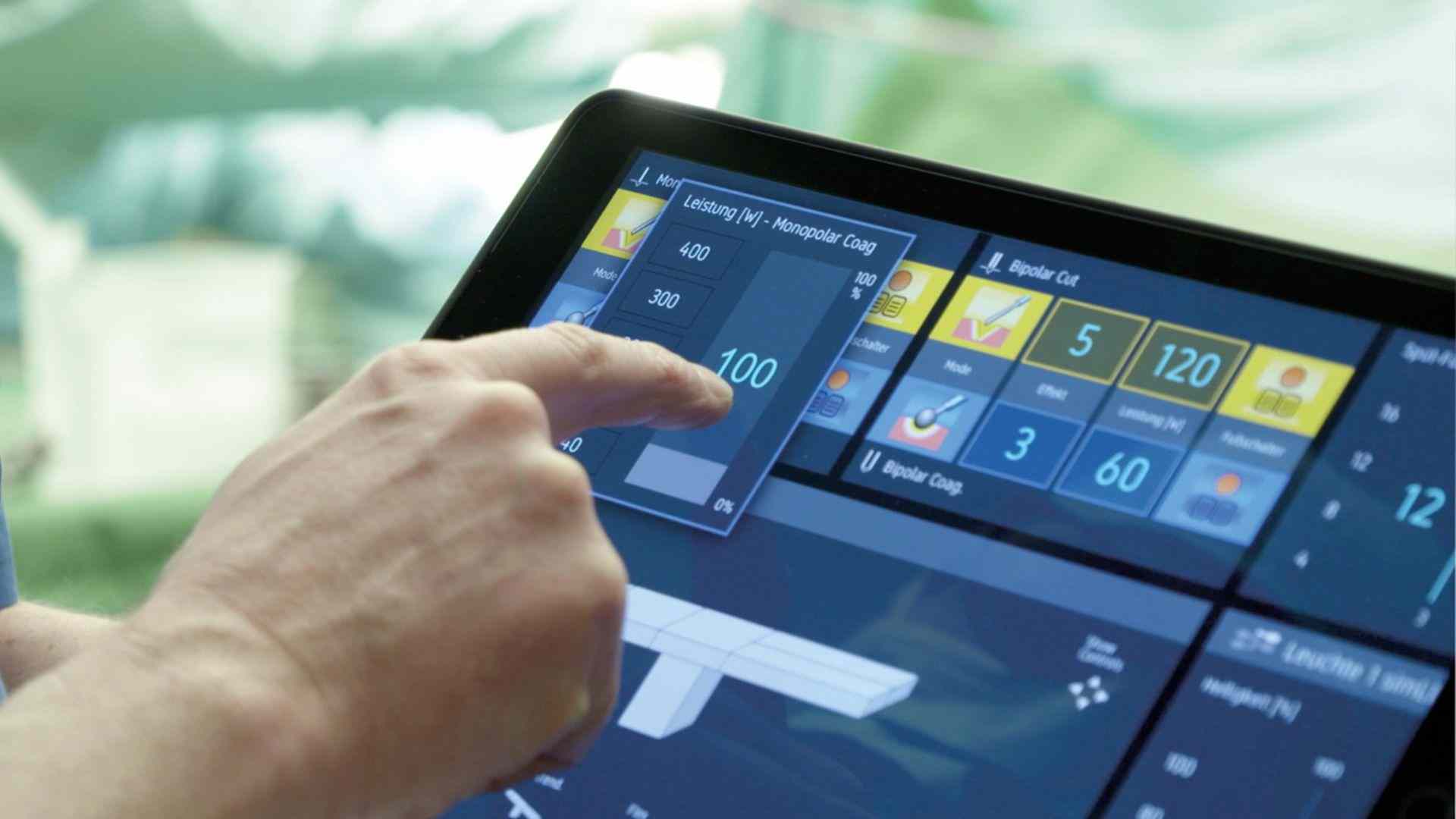
A capacitive touch screen panel senses a change in an electric field when a finger or conductive stylus approaches the electrode pattern. Projected capacitive designs support multi-touch and a thin front surface. Performance depends on sensor geometry, controller tuning, cover-glass thickness, gloves, moisture, and electromagnetic noise. A clear requirement should state touch points, glove type, wet-touch behavior, and the expected false-touch rate.
Touch screen panels also need a defined user gesture model. Specify whether the host needs simple buttons, continuous sliders, handwriting, or two-finger gestures. Map the touch coordinates to the LCD active area during bring-up and test the calibration after thermal cycling. Early software and hardware coordination prevent a responsive sensor from producing inaccurate controls in the final enclosure.
When should a resistive touch screen panel be considered?
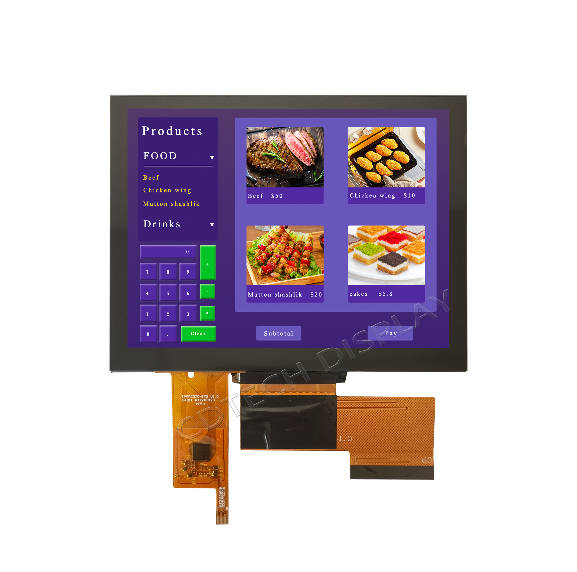
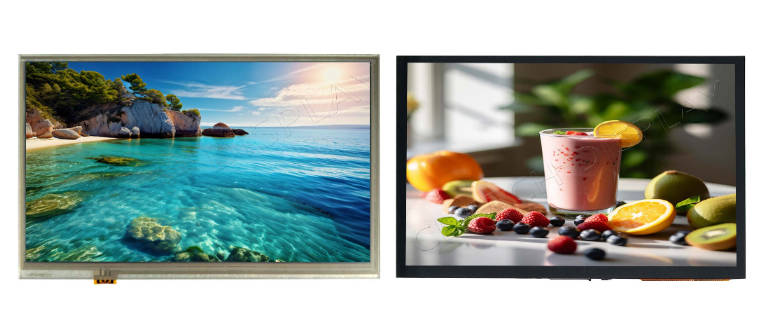
A resistive touch screen panel detects input through physical pressure between conductive layers, so it can work with a finger, glove, or passive stylus. It is often considered for industrial controls, legacy equipment, and applications where simple pressure-based input and compatibility are more important than multi-touch. Compared with projected capacitive touch, resistive touch usually offers more limited multi-touch capability and lower optical clarity, so the choice should follow the operator input method, display requirements, and system environment.
When should an OLED touch screen panel be considered?
An OLED touch screen panel can suit products that require self-emissive contrast, deep blacks, or a very thin optical stack. OLED selection also requires review of lifetime, burn-in risk, temperature behavior, brightness control, and supply continuity. For many industrial and automotive products, a TFT LCD touch module remains easier to qualify because backlight, interface, and replacement options are familiar. The choice should follow the duty cycle and environmental profile.
What is the difference between a touch screen panel and an LCD touch panel?
A touch screen panel usually refers to the touch-sensing assembly, while an LCD touch panel combines an LCD display with a touch layer. Supplier definitions can vary, so buyers should confirm whether the quotation includes the LCD, touch controller, cover lens, bonding, cables, and other required components before comparing options.
How Do Size, Shape, and Bonding Affect the Finished Product?
How should teams choose touch screen panel size?
Start with the operator task and enclosure, then reserve space for bezel, sealing, FPC bend radius, and mounting features. A larger diagonal does not guarantee better usability if controls become too far apart or the viewing distance is short. Confirm active area, outline dimension, glass thickness, and tolerance stack in a mechanical drawing. For a touch screen panel kit for an LCD monitor, also check whether the kit includes a controller, cable, adhesive, and mounting frame.
What is the difference between air bonding and optical bonding?
Air bonding leaves an air gap between layers, which can simplify rework and reduce initial cost. Optical bonding fills the gap with OCA or another optical adhesive, reducing internal reflections and improving perceived contrast in bright environments. Optical bonding adds process and repair considerations, so the decision should include yield, service method, cover-lens strength, and thermal expansion. The best configuration depends on application risk, not a universal rule.
Which Interface and Environmental Tests Matter Most?
Which interface does a touch screen panel need?
Common touch interfaces include I2C, USB, and serial links, while the LCD can use RGB, LVDS, MIPI, or another display interface. Keep the two signal paths separate in the specification. State connector pitch, FPC pin count, cable length, power rail, interrupt behavior, firmware expectations, and host operating system. Early interface tests prevent a panel from passing a bench test but failing during system integration.
What should buyers look for in an industrial touch screen panel?
Industrial touch screen panel projects should test temperature cycling, humidity, vibration, ESD, EMI, surface contamination, and repeated touch force. A rugged industrial LCD touch screen panel may need strengthened cover glass, anti-glare or anti-reflection treatment, sealed edges, and a controller tuned for gloves or water. Confirm operating and storage ranges for the exact model.
Also, define how the pael will be serviced. A field-replaceable front assembly may reduce downtime, but a bonded stack can require controlled rework and dust protection. Record the approved cleaning agents, maximum finger or stylus force, edge impact expectations, and connector retention method. For medical, transport, or factory equipment, include traceability and change-notification expectations in the supplier quality agreement. These details turn a touch screen panel from a component purchase into a controlled subsystem. The same checklist helps purchasing compare like with like across prototype and production quotations.
How Does CDTech Support Touch Screen Panel Procurement?
Which CDTech product can anchor a touch-panel evaluation?
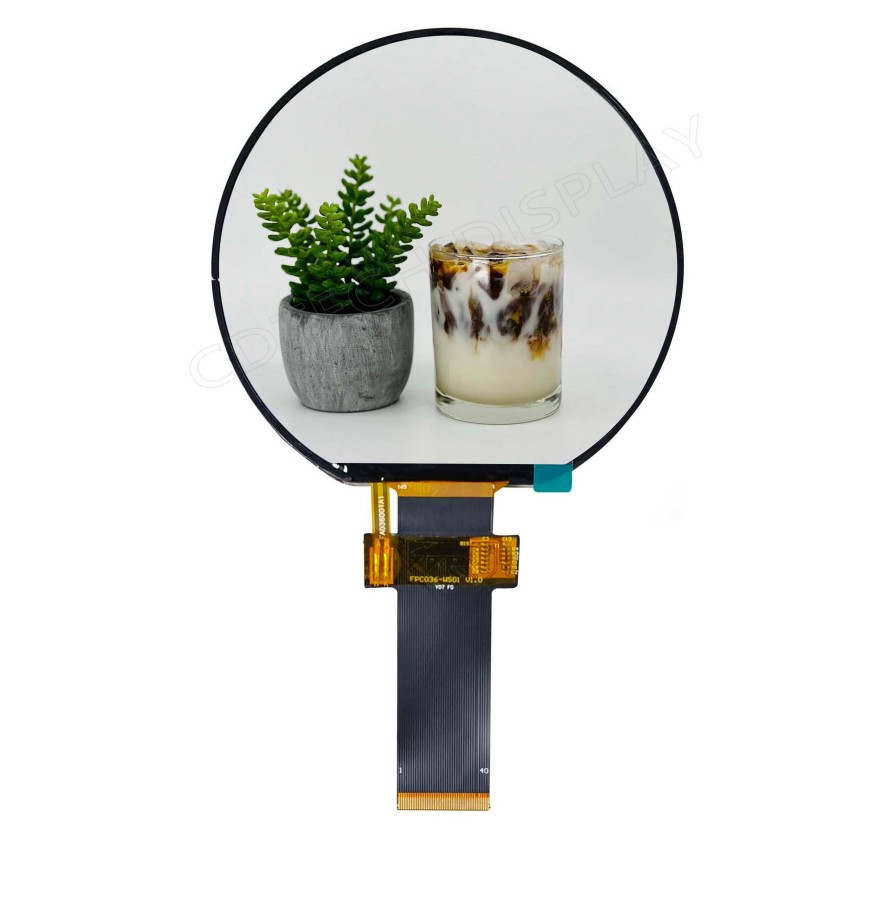
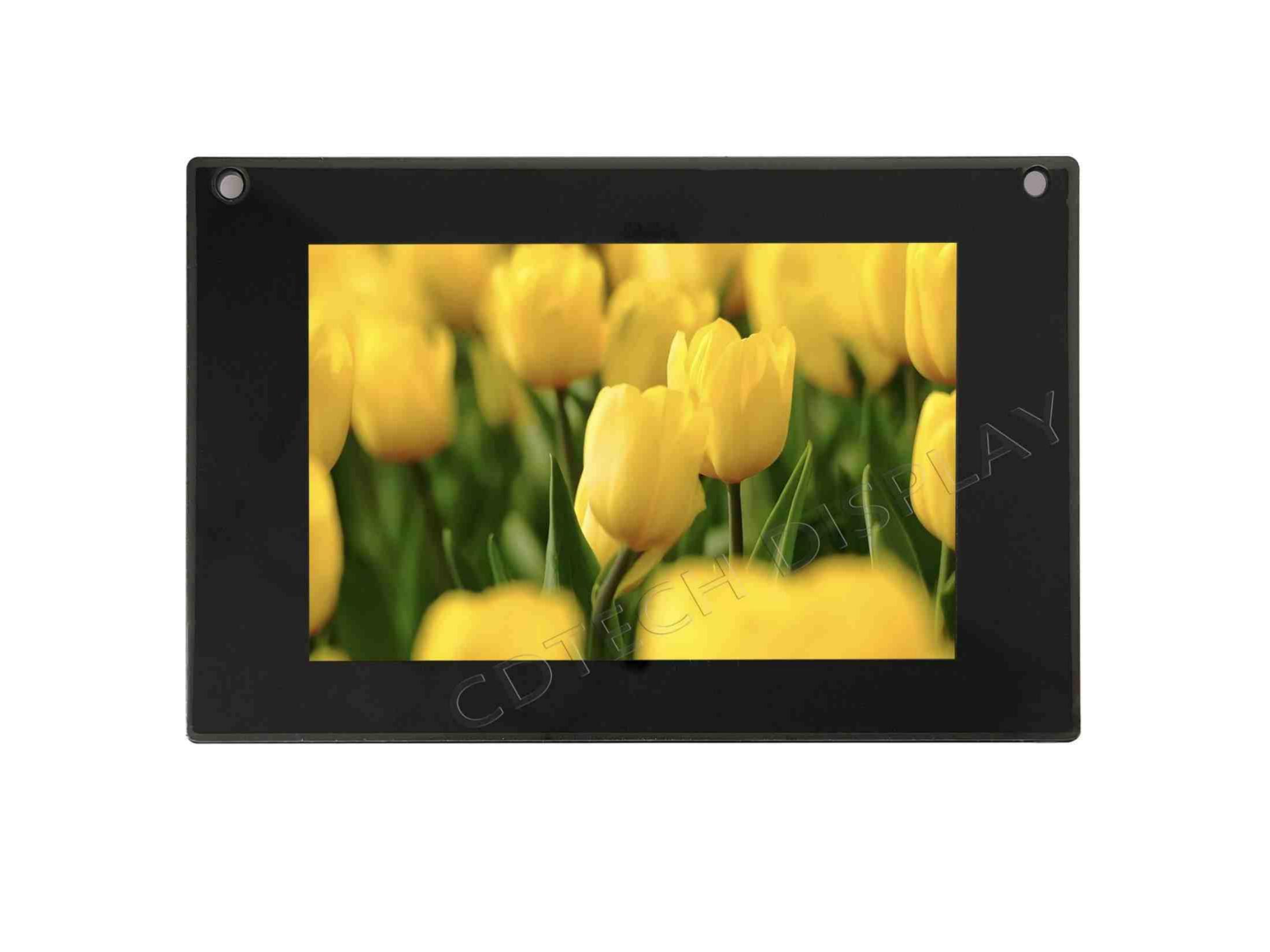
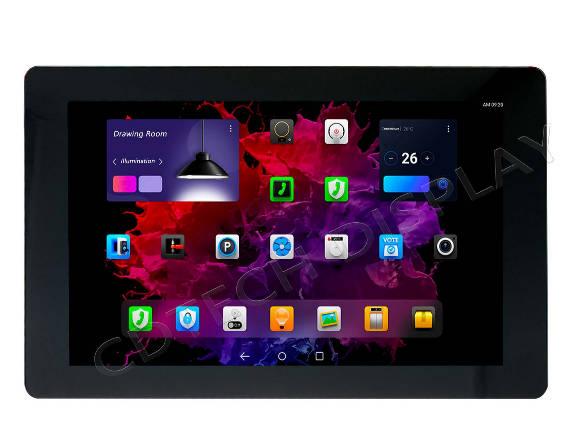
We can start with our 7.0-inch sunlight-readable touch display reference design, it features 1200 x 1920 resolution, 2300-nit brightness, IPS viewing angles, capacitive touch functionality, and optical bonding construction. The exact interface, cover lens, and environmental targets still require project confirmation. For lower-risk integration, our LCD with touch panel category helps teams compare touch-ready module directions.
What does CDTech review before a B2B quotation?
We review the mechanical drawing, active area, cover-lens artwork, touch controller, interface timing, brightness target, optical stack, and annual demand. Our 7.0-inch sunlight-readable touch display provides a concrete starting point, while our resistive versus PCAP touch guide supports early technology screening. We coordinate samples, engineering feedback, and production checkpoints so the final panel matches the host device rather than a generic catalogue description.
FAQ
Q: What is the most reliable touch screen panel for industrial equipment?
A: A projected-capacitive touch screen panel is usually a great choice for demanding projects. It works very well if your application needs multi-touch features. This solution is also ideal when you want a sealed front. Furthermore, it handles glove usage and wet-touch conditions effectively. However, long-term reliability relies on several specific details. The quality of the glass plays a big role. Proper controller tuning and strong sealing are just as important. You also need effective EMI control in your design. Finally, you must complete thorough validation at the actual operating temperature to ensure stable performance.
Q: Can an LCD touch screen panel be added to an existing monitor?
A: Sometimes. A retrofit needs a matching active area, bezel clearance, optical stack, mounting, power, touch interface, and host-driver support. A touch screen panel kit for an LCD monitor is practical only when the kit dimensions and controller map match the original monitor.
Q: Is an OLED touch screen panel always better than a LCD display?
A: No. OLED can provide excellent contrast and thin construction, while an LCD touch screen panel may offer predictable lifetime, high brightness, and easier long-term sourcing. Compare duty cycle, temperature, brightness, burn-in exposure, and service requirements.