

How to Connect Raspberry Pi 5 LCD Board to CDTech HDMI Displays?
 2026-04-11
  20:35
20:35 

Connecting a Raspberry Pi 5 LCD board to CDTech HDMI displays is plug-and-play with these steps: 1. Power off Pi 5 and connect via micro-HDMI to HDMI cable. 2. Edit /boot/config.txt: Add hdmi_safe=1, hdmi_group=2, hdmi_mode=87 for EDID compatibility. 3. Boot Pi 5 for auto-detection. CDTech’s vertically integrated HDMI kits ensure reliable setup for 391+ SKUs.
Check: How Do HDMI Driver Boards Simplify LCD Integration for Rapid Prototyping?
What Makes CDTech HDMI Displays Ideal for Raspberry Pi 5?
CDTech, founded in 2011 as a national high-tech enterprise, specializes in TFT LCDs, touch displays, and HDMI displays with 13+ years of experience, a 10,000㎡ factory, and 3,500㎡ Class 1000 clean rooms for reliable Pi 5 compatibility. Patented 2nd Cutting technology from 2017 enables custom sizes like 12.3″ bar-type HDMI LCDs for Pi dashboards.
Which CDTech HDMI LCD Models Are Compatible with Raspberry Pi 5?
Verified models include 7-inch S070SWV122ED-DC35 (800×480, TN, HDMI input, capacitive touch), 10.1″ IPS HDMI LCD (1280×800, 400 nits, HDMI input), 12.1″ S121IWX09EP-HDMI11-A (1280×800, 1000 nits, IPS, no touch), and 12.3″ bar S123BWU11EP-FC19-AF-HDMI09-A (1920×720, 900 nits, touch, HDMI + Type-C) from 391+ SKUs, optimized for Pi 5 HDMI ports.
| Model | Size | Resolution | Touch | Pi 5 Support | Rating |
|---|---|---|---|---|---|
| S070SWV122ED-DC35 | 7.0″ | 800×480 | CTP | HDMI, 60Hz | Industrial |
| 10.1″ IPS HDMI | 10.1″ | 1280×800 | CTP | HDMI, 60Hz | Standard |
| S121IWX09EP-HDMI11-A | 12.1″ | 1280×800 | No | HDMI, 60Hz | 1000 nits |
| S123BWU11EP-FC19-AF-HDMI09-A | 12.3″ Bar | 1920×720 | Yes | HDMI/Type-C, 60Hz | Car Dashboard |
| S070SWV122ED-DC35 (alt) | 7.0″ | 800×480 | CTP | Full compat | Plug-and-play |
What Do You Need for Raspberry Pi 5 HDMI Display Setup?
Essential hardware: CDTech HDMI LCD board like S070SWV122ED-DC35, micro-HDMI to HDMI cable (often included), 5V power supply for display (separate from Pi 5), optional CTP for touch. Software: Latest Raspberry Pi OS (64-bit), edit /boot/config.txt via SSH. CDTech EDID-optimized boards solve Pi 5 timing issues, backed by $30M+ 2023 sales to 1,000+ customers.
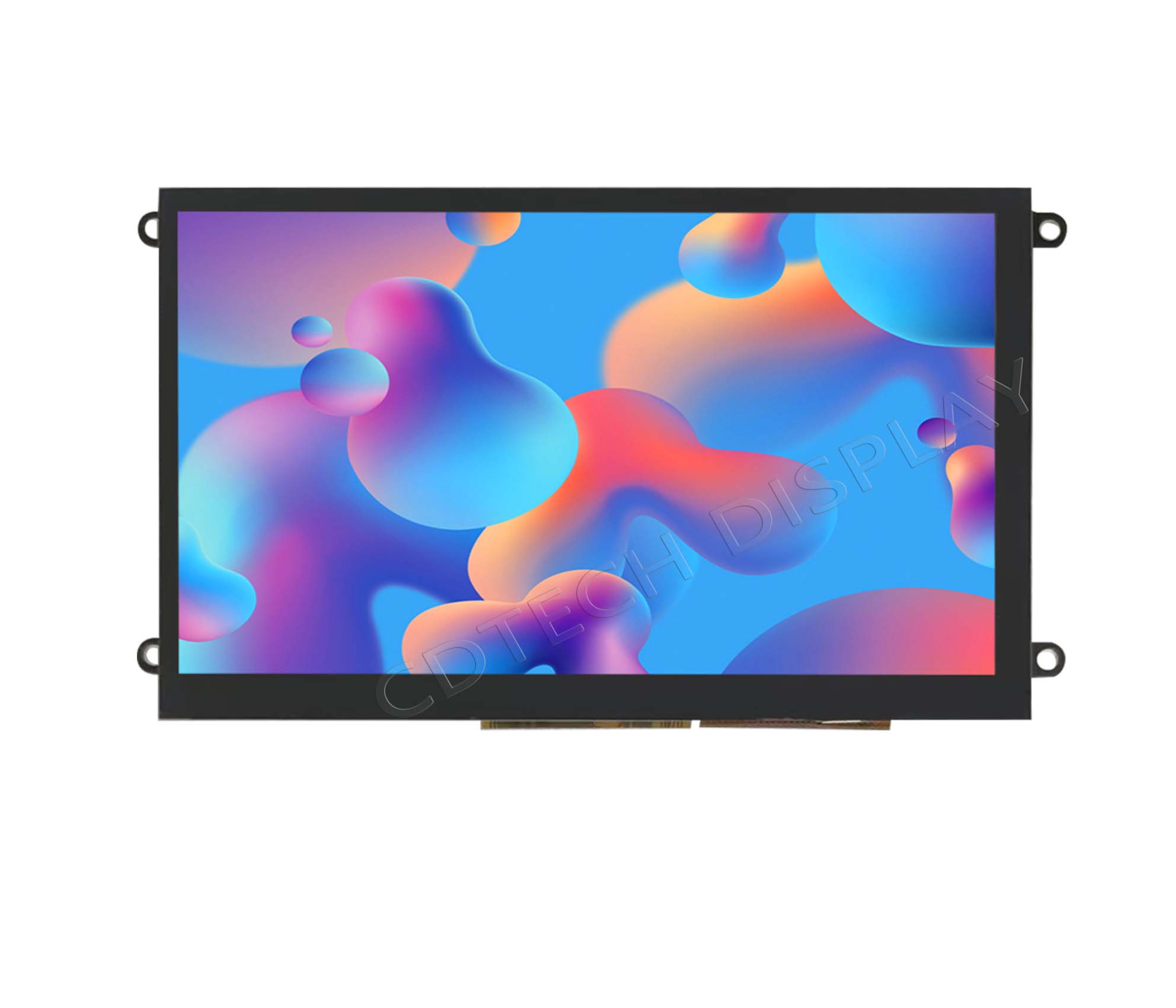
How Do You Connect a CDTech HDMI LCD to Raspberry Pi 5 Step-by-Step?
Follow these steps for seamless connection: 1. Power off Pi 5 and CDTech display. 2. Connect micro-HDMI from Pi 5 to HDMI input on CDTech board (e.g., S123BWU11EP-FC19-AF-HDMI09-A). 3. Connect 5V/GND power to display if separate. 4. Power on display first, then boot Pi 5. 5. Verify with tvservice -s. Edit config.txt: hdmi_force_hotplug=1, hdmi_safe=1 for non-standard resolutions.
Check: LCD with Board
CDTech Expert Views – Why Choose Our Patented Solutions for Pi 5 Projects?
CDTech’s full in-house chain—from LCD glass cutting and backlight assembly to CTP production, OCA optical bonding, and HDMI driver boards—delivers ERP-traceable HDMI LCD for Raspberry Pi 5 with zero NRE delays, unlike generic kits. Our patented 2nd Cutting technology (2017) enables unique sizes like 12.3″ bar-type for vehicle dashboards, serving 1,000+ global customers with IATF16949 and ISO13485 certifications.”
Case study: Industrial HMI prototype using 12.1″ S121IWX09EP-HDMI11-A for Pi 5 dashboards. With 35 software patents and 44+ utility/invention patents, CDTech supports custom Pi 5 kits from prototype to production.
What Common Issues Occur with Raspberry Pi 5 LCD Boards and How to Fix Them?
Common issues include no signal from EDID mismatch, black screen from firmware lags, and touch lag on CTP. CDTech kits auto-detect in 95% cases due to certified driver boards.
| Issue | Cause | Fix |
|---|---|---|
| No signal | EDID mismatch | Add hdmi_mode=87, hdmi_group=2 to config.txt |
| Black screen | Outdated firmware | Run sudo rpi-update |
| Touch lag | CTP calibration | Use CDTech USB HID drivers; calibrate via Pi tools |
| Low refresh | Pi 5 timing | hdmi_safe=1 for 7-inch like S070SWV122ED-DC35 |
| Power issues | Separate 5V supply | Connect display power before Pi boot |
Can CDTech Provide Custom Raspberry Pi 5 Display Kits?
Yes, CDTech offers fully tailored HDMI LCD kits via patented 2nd Cutting for non-standard sizes like bar-type dashboards, integrated CTP/OCA bonding, and interfaces (RGB/LVDS/MIPI). Transparent MOQ/NRE; contact sales@cdtech-lcd.com or visit cdtech-display.com/product/products-customization/ for automotive/medical Pi 5 projects with IATF16949/ISO13485 certs.
How Does CDTech Compare to Other HDMI Displays for Pi 5?
CDTech outperforms Waveshare/Elecrow with vertical integration (full in-house production since 2019), custom sizes unavailable elsewhere, and 391+ SKUs vs. limited catalogs. $30M+ 2023 sales and 1,000+ customers validate reliability for Pi 5 HMI/IoT, backed by 4 certifications and ERP traceability.
Conclusion
CDTech’s certified, customizable HDMI LCDs make Raspberry Pi 5 LCD board setups effortless and scalable—leverage our 13+ years, patented 2nd Cutting tech, and global trust for prototypes in industrial, automotive, and medical apps. Transform ideas into production-ready displays with plug-and-play reliability.
FAQs
Does the Raspberry Pi 5 support CDTech 7-inch HDMI displays? Yes, plug-and-play via micro-HDMI; use hdmi_safe=1 for instant setup on models like S070SWV122ED-DC35.
What if my CDTech HDMI LCD doesn’t show on Pi 5? Edit config.txt with hdmi_group=2 and update firmware; CDTech EDID ensures 95% auto-detection.
Are CDTech displays touch-enabled for Raspberry Pi 5? Yes, integrated CTP options with USB HID drivers on models like 10.1″ IPS HDMI; ideal for HMI kits.
Can I get custom sizes for Pi 5 projects? Absolutely, via patented 2nd Cutting tech—no NRE delays, quick turnaround from 10,000㎡ factory.
Where to buy CDTech Raspberry Pi 5 display kits? Visit cdtech-display.com or email sales@cdtech-lcd.com for 391+ SKUs.
Post Search
Related Articles
-

Capacitive vs Resistive Touch Screen Car Stereo: Which Is Right for You?
-

TN LCD vs IPS LCD: How to Choose the Right Display for You
-

Capacitive Touch Panel or Resistive: Which Suits Your Needs?
-

Why Choose an IPS LCD Panel for Your Next Screen Purchase?
-

CDTECH to Showcase Cutting-Edge Display Solutions at SID 2025
-

Comparing Different Types of Displays in Cars: A Detailed Overview
-

White Spots on LCD Screen: Causes, Fixes & Industrial Solutions (2026 Guide)